Think of whitespace as a relationship
Whitespace is the unoccupied area around and between elements. It can be a wide margin beside an article, a narrow gap between a label and an input, or the space separating two portfolio projects. It does not have to be white: a blank area of any background color serves the same purpose. Its job is to help readers understand how the content fits together.
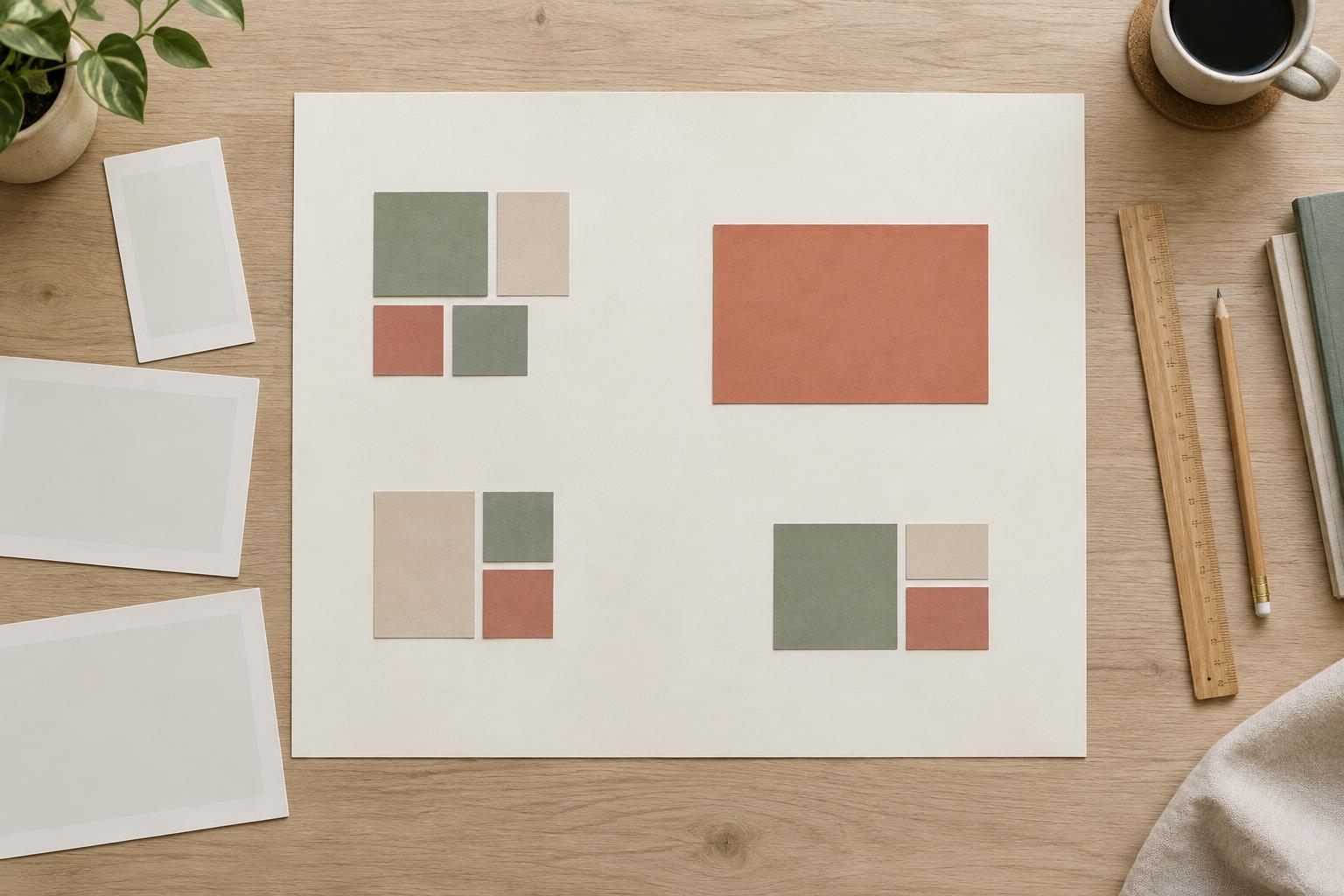
The basic principle is proximity. Elements that sit close together tend to look related; elements separated by more space tend to look like different groups. A heading and its paragraph should therefore be closer to each other than that paragraph is to the next section. If every gap is identical, readers may struggle to tell whether they are looking at one group or several. Before changing font sizes or adding borders, check whether spacing alone can make the relationship clear.
Build groups from the inside out
Start with the smallest meaningful unit. In a project card, the title, short description, and link might form one group. Give those items modest, consistent gaps. Then place a larger gap between that card and the next one. This creates a visible rhythm: small spaces connect details, while larger spaces divide units. The same approach works for navigation items, form fields, product details, and article sections.
Padding matters as much as the gaps between groups. Space inside a card or panel makes its contents feel contained; space outside separates the panel from its neighbors. If a text block sits too close to its container edge, it can feel cramped even when the surrounding page has generous margins. Conversely, excessive padding can make a short card feel disconnected from the rest of the layout. Adjust inside and outside spacing separately, then look at the whole composition.
Use a small spacing scale
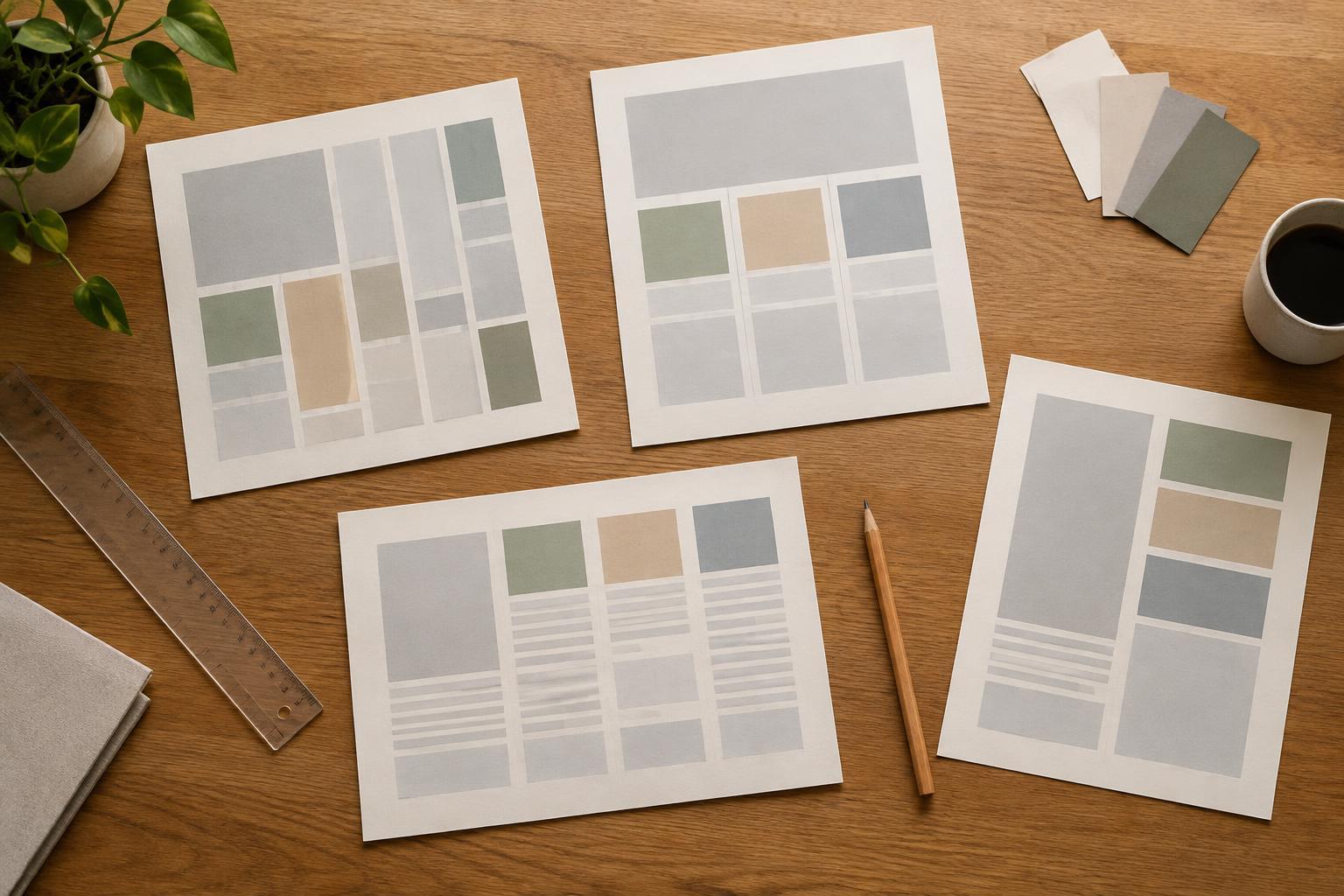
A spacing scale gives you a limited set of gap sizes to reuse across a design. You might choose a small gap for items within a group, a medium gap between groups, and a larger gap between major sections. The exact measurements matter less than the relationships among them. When a section break is meant to be more noticeable than a paragraph break, its space should look meaningfully larger, not just barely different.
Apply the scale consistently, but do not treat it as a rule that overrides the content. A compact list may need less room than a set of illustrated cards. A long heading may need a little more breathing room above a dense paragraph. If a layout feels uneven, inspect repeated patterns first: compare the spaces above and below similar headings, between similar cards, and around repeated calls to action. Fixing those patterns often does more than adjusting isolated details.
Let space create emphasis without hiding content
More space around an element can make it stand out. A featured project surrounded by a generous margin may attract attention without a brighter color or a larger border. But emphasis works through contrast: if everything has abundant space, nothing feels especially prominent. Decide what readers should see first, then give supporting content enough room to remain legible without competing for the same level of attention.
Whitespace should not interrupt a connection that readers need to make. A button placed far from the explanation it belongs to may seem unrelated, even if both are visually striking. Likewise, a section heading stranded at the bottom of a screen can appear detached from its content. Review a layout by asking two questions at each gap: “What does this space separate?” and “What should stay together?” If the answers are unclear, adjust the distance or grouping.
Check the layout at different widths
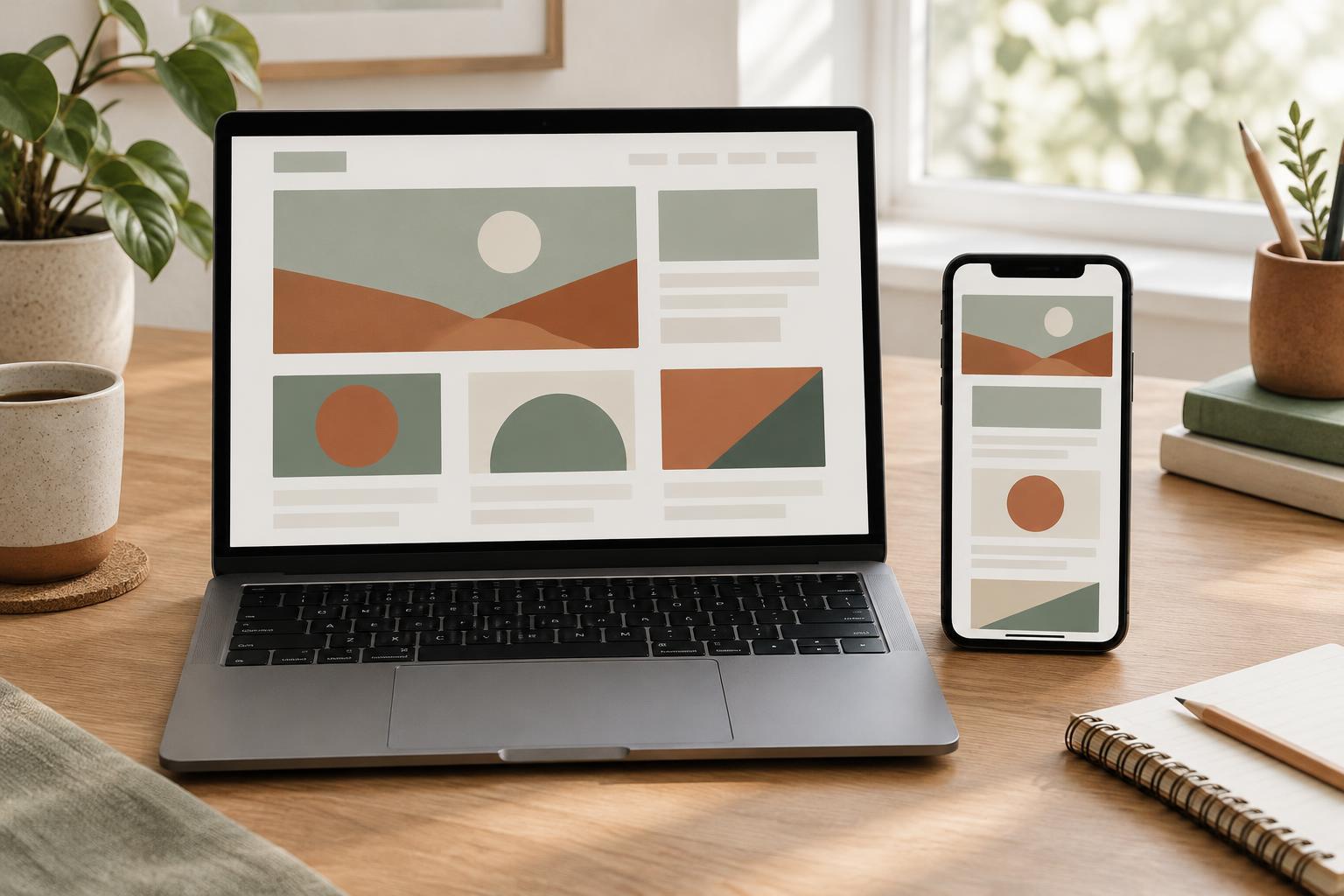
Spacing that works on a wide screen may not work on a narrow one. Large side margins can squeeze text, and a generous vertical gap can push related items far apart. As columns stack, check whether the order and spacing still communicate the right groups. A card that once sat beside its description may need a smaller gap when the two become a vertical sequence.
For a practical final pass, step back from the screen and scan the page without reading every word. Can you identify the major sections, the smaller groups within them, and the element that deserves attention first? Then read through it normally and notice any point where you have to work out what belongs together. Whitespace is effective when those relationships feel easy to follow, not when the page is simply empty.