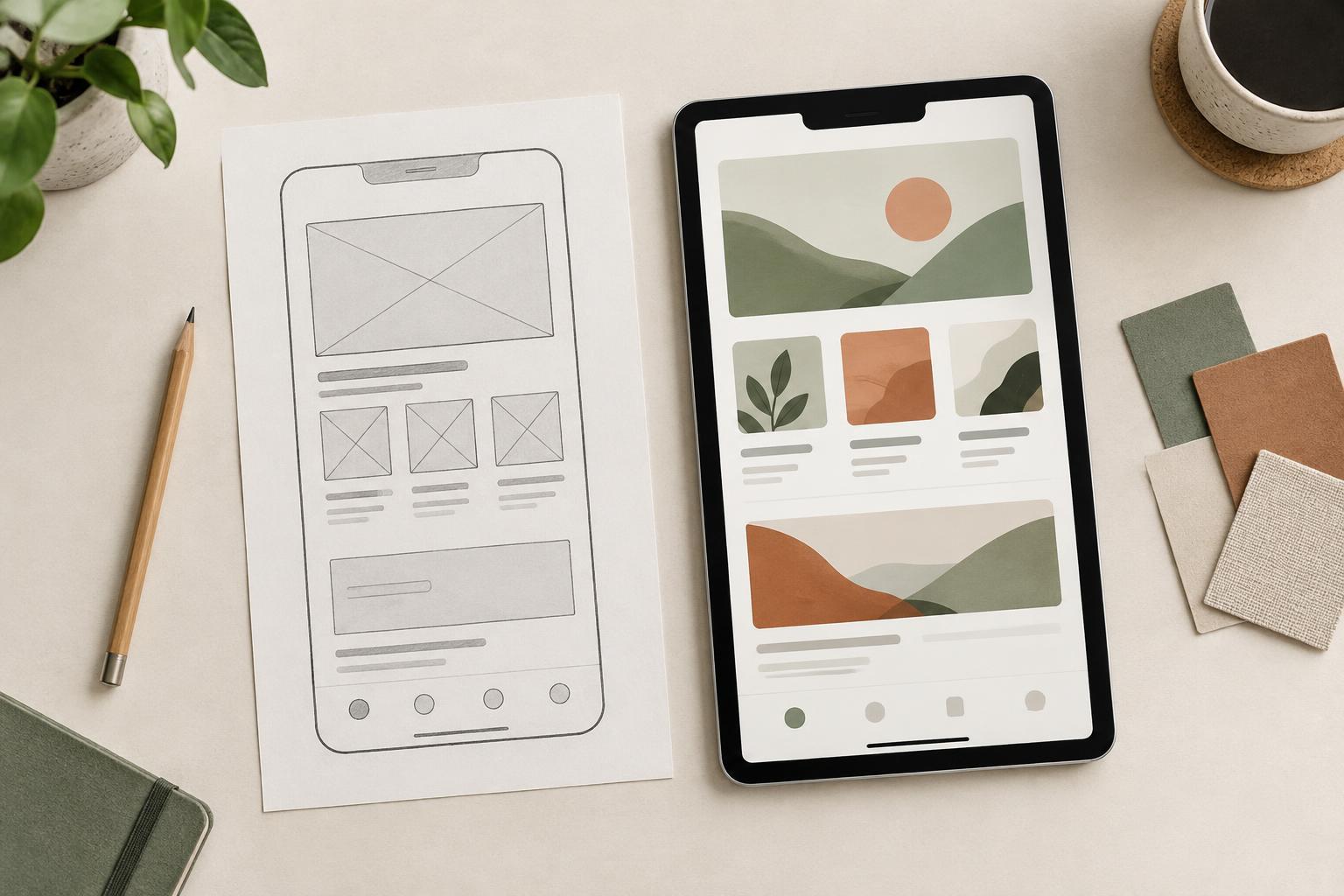
Two views of the same idea
A wireframe is a simplified representation of a page or screen. It shows where major elements go, how information is grouped, and which actions are available. Boxes, labels, and placeholder content are often enough. A mockup shows a more developed visual treatment: typography, color, imagery, spacing, and other details that give the design its intended character. Either can be drawn at different levels of detail, but they are useful because they invite different kinds of feedback.
Think of a portfolio homepage. A wireframe can show whether a visitor encounters selected work, a short introduction, and a contact route in a sensible order. A mockup can show whether the type is readable, the project images feel cohesive, and the contact action stands out without overwhelming the work. Neither view is automatically more important. The useful one is the one that helps answer the question currently blocking progress.
What a wireframe makes easier to see
Wireframes make structural decisions easier to discuss before visual polish makes them feel settled. They reveal the hierarchy of information: what appears first, what is grouped together, what receives emphasis, and what may be missing. If a service page has a prominent inquiry button but offers little explanation of the service, that gap is easier to notice when the screen is reduced to its essential parts.
They also help expose decisions that need agreement. A freelancer planning a client site might use wireframes to ask whether visitors should browse by service, audience, or project type. Because the visual style is still open, moving a section or changing a label usually feels less disruptive. Use meaningful draft headings and realistic content lengths where possible; repeated placeholder text can conceal problems such as a navigation label that is too vague or a summary that will not fit the allotted space.
What a mockup makes easier to see
Mockups make the visual experience concrete. They can reveal whether a heading has enough contrast, whether several competing accents dilute the main action, and whether images support the intended tone. A layout that seems clear as a wireframe may feel crowded once real type sizes and images are introduced. Conversely, visual styling may help distinguish sections that looked too similar in a rough sketch.
A mockup is also useful for discussing consistency. Compare how buttons, cards, captions, and spacing work across more than one screen or page. If a design only looks convincing on a carefully composed homepage, it may not yet have enough rules to handle a long article, a short project description, or an empty state. Showing ordinary content alongside the showcase screen can reveal whether the visual system holds together.
What neither one can prove
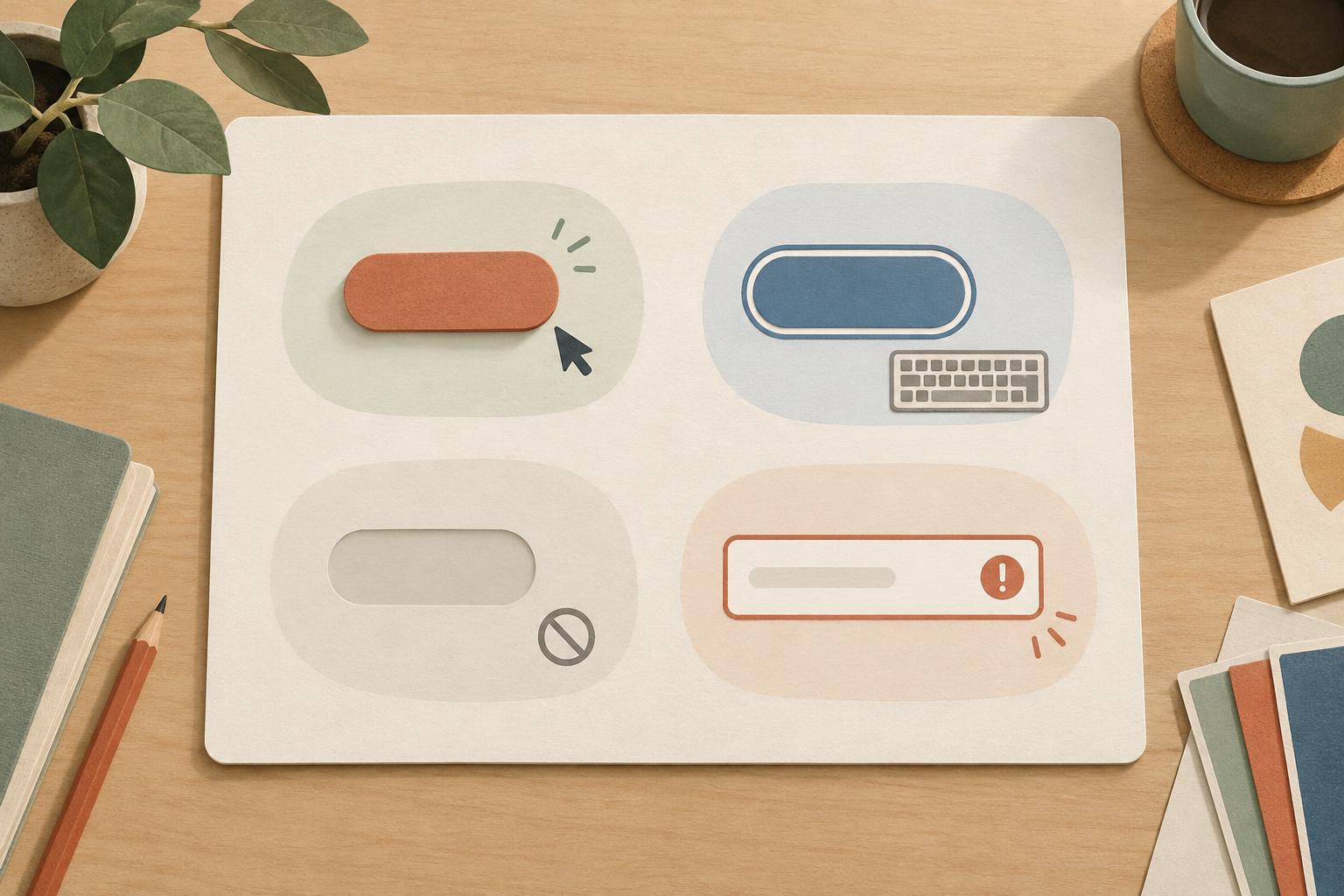
A static wireframe or mockup cannot fully show what it feels like to use a design. It may suggest a menu, form, or filter without demonstrating its behavior. It also cannot confirm that a layout works at every screen size or that someone using a keyboard can reach and understand every control. Those questions need closer inspection, and sometimes a prototype or working version.
Visual clarity is not the same as task clarity. A polished mockup might make a page look trustworthy while leaving the next step ambiguous. Likewise, a tidy wireframe might overlook how actual photography or long text changes the balance of a screen. Treat both as tools for finding questions, not as proof that the design is finished. When reviewing either, name what is still assumed rather than letting an attractive image stand in for an answer.
Choose the artifact that fits the decision
Start with the uncertainty. If you need to decide what belongs on a page and in what order, make a wireframe. If you need to judge the tone, readability, or relationship between visual elements, make a mockup. For a small personal project, one rough wireframe and one representative mockup may be enough to guide the next step. For a project with several page types, it can help to examine examples of each before polishing every screen.
When sharing work, tell reviewers what to look at. Ask, “Can you find the project details and a way to get in touch?” when reviewing a wireframe. Ask, “Which element draws your attention first, and does the text remain easy to read?” when reviewing a mockup. Clear questions keep feedback tied to decisions you can act on. Wireframes help establish what the design needs to say and do; mockups help establish how it communicates visually. Used together, they make it easier to revise with purpose.