Balance does not require matching halves
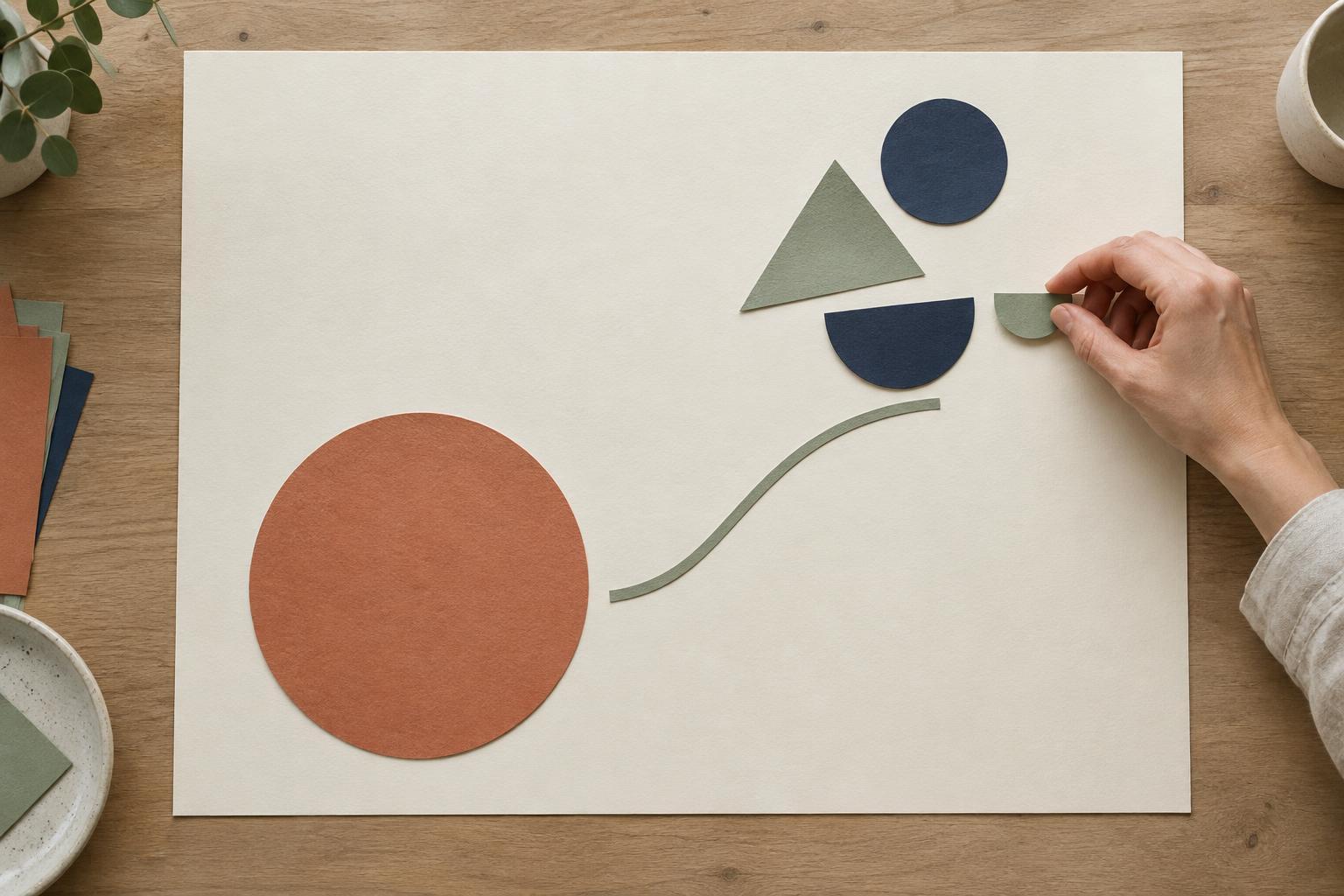
An asymmetrical composition places different elements on either side of an imagined center line. One side might hold a large photograph while the other contains a headline, short description, and button. The arrangement can still feel stable, even though the two sides are not mirror images. The goal is not to make them identical; it is to make their visual pull feel deliberate.
Think of visual weight as the amount of attention an element attracts. A large shape often feels heavier than a small one, but size is only part of the story. Strong contrast, saturated color, dense detail, unusual form, and prominent placement can also draw the eye. A small, bright button may compete with a much larger, quiet area of text. Before moving objects around, notice which parts of the design you look at first and which parts you barely register.
Identify what is carrying the weight
Start by reducing the layout to a few broad pieces: image, headline, body copy, controls, and open space. Ignore fine details for a moment. Ask where the strongest element sits and what, if anything, responds to it elsewhere in the composition. If a dark image fills the left side and the right side contains only small gray text, the image may dominate. A clearer headline or a more intentional grouping of the text might provide a counterweight.
Several qualities can increase an element’s pull. High contrast makes an object stand apart from its background. Dense patterns and sharp edges can feel busier than smooth areas. An isolated element surrounded by generous space can become more noticeable, not less. Position matters too: an object far from the center may have a stronger effect on the overall arrangement than the same object placed near it. These are useful observations, not fixed rules; the surrounding elements always affect the result.
Adjust relationships, not just individual objects
When a layout feels lopsided, it is tempting to enlarge whatever sits on the quieter side. That may work, but it can also create two competing focal points. First, decide what should lead the viewer through the design. If the headline is the main message, it should remain easy to find even if the image is visually rich. You could lower the image’s contrast, crop out a distracting detail, or give the headline a clearer position rather than making every element bigger.
Spacing is another balancing tool. Moving a small group farther from the center can give it more presence, while bringing a dominant object inward may make the layout feel less strained. Related items should still read as a group: keep the headline, supporting copy, and action close enough that their connection is apparent. Alignment can reinforce that relationship without creating symmetry. For example, the edge of a text block might align with a feature in an image, giving the eye a subtle path between them.
Color can supply a light counterweight. A small accent on one side may echo a color within a larger image on the other, making the parts feel connected. Use that technique sparingly. If every area receives a bold accent, the viewer may lose the distinction between the focal point and its supporting elements.
Test the composition at more than one distance
Step back from the screen or view the design as a small thumbnail. At that scale, fine details recede and the main masses become easier to judge. Notice whether your eye lands where you intended, then whether it moves naturally to the next piece of information. If it stays trapped in one corner, something there may be too dominant. If it wanders without finding a starting point, the layout may need a stronger hierarchy.
A quick grayscale check can reveal whether balance depends entirely on color. You can also blur your view slightly to compare the broad areas of light and dark. Neither test decides whether a design is good; each exposes a different relationship. Afterward, return to normal size and confirm that the text remains readable, controls are recognizable, and important content is not being sacrificed for the sake of an even-looking silhouette.
Let the layout change with the format
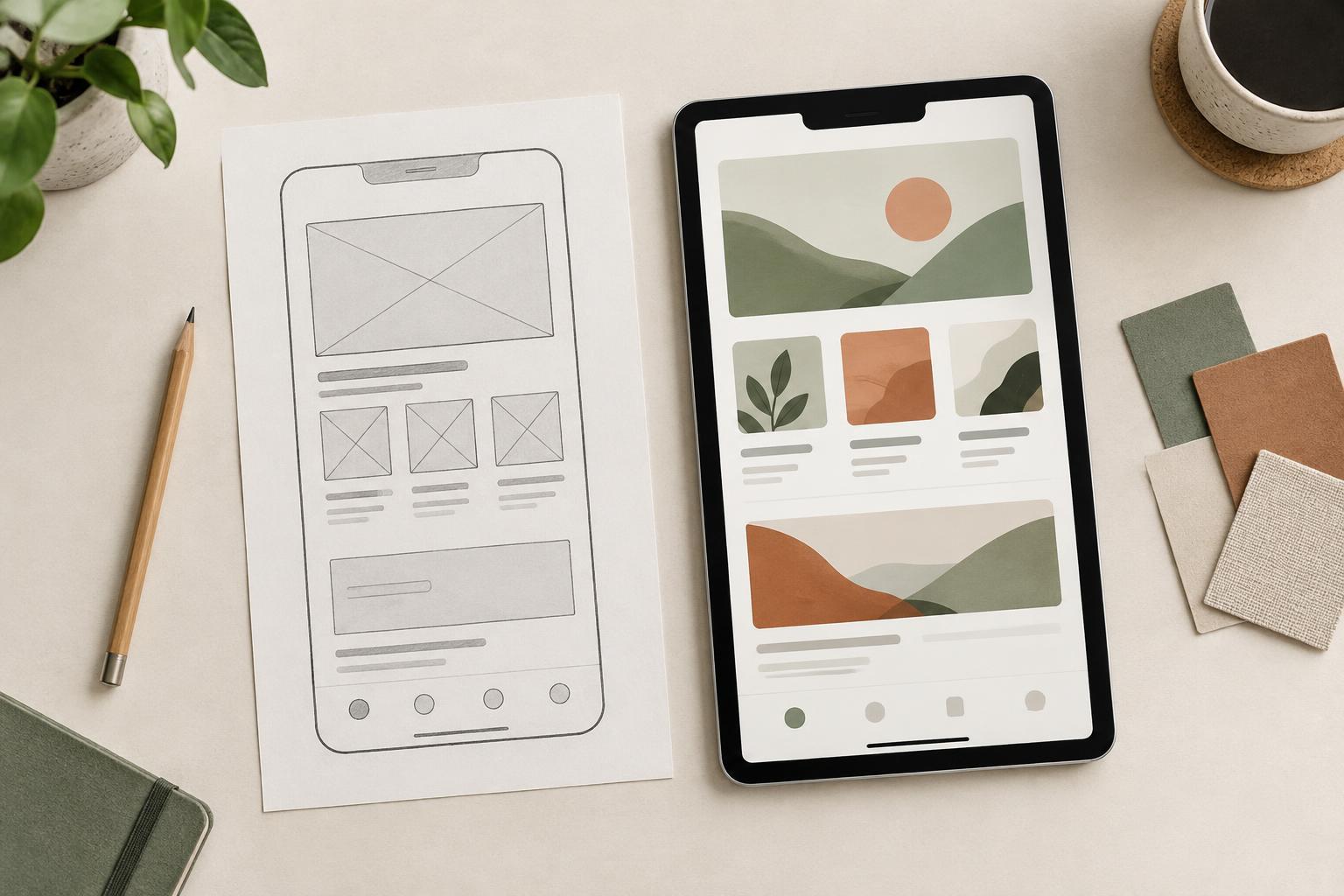
A composition that works on a wide canvas may feel cramped on a narrow one. Instead of forcing the same left-right balance into every format, reconsider the order and spacing of its parts. A large image and small text group might balance well side by side, then work better as a sequence on a phone: headline first, image second, supporting details after. The hierarchy can stay consistent even when the geometry changes.
Asymmetrical balance is an iterative judgment rather than a measurement to solve once. Make one meaningful adjustment at a time, then check the whole composition again. When the focal point is clear, supporting elements have room to breathe, and neither side feels unintentionally empty or overloaded, the layout is likely doing its job.