Start with the order, not the decoration
Visual hierarchy is the order in which a design invites someone to notice its parts. On a portfolio page, a visitor might see the project title, then an image, then a short description, and finally a link to the full case study. When that order matches what the visitor needs, the page feels easier to scan. When every element asks for equal attention, even good content can feel crowded.
Before choosing fonts or colors, write down the three things a viewer should notice in sequence. For a project card, that might be the project name, what you made, and where to see more. This simple list gives you a way to judge design choices. An element deserves strong emphasis because it has an important job, not merely because there is room to make it bigger.
Use size to establish a clear starting point
Size is one of the quickest ways to signal importance. A larger heading usually stands out from smaller supporting text, giving the eye a place to begin. You do not need a different size for every sentence. A small set of consistent text levels, such as a main heading, section headings, body text, and captions, often makes a layout easier to follow.
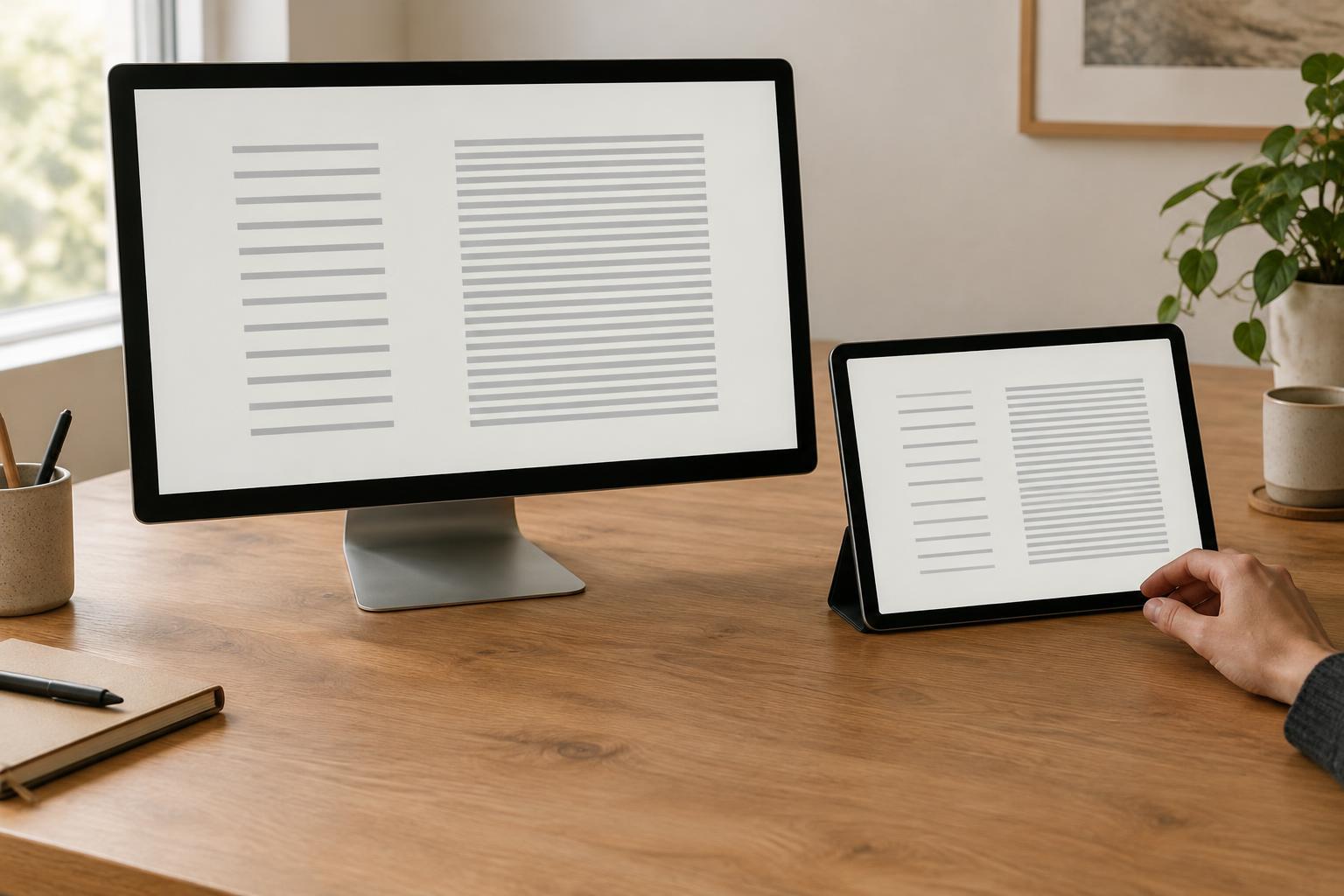
The difference between levels matters more than the exact measurements. If a heading is only slightly larger than the paragraph beneath it, readers may struggle to tell where a section begins. If every heading is enormous, the layout can become tiring to scan. Try making the most important message clearly prominent, then keep secondary information quieter but comfortably readable. Check the result at the size people are likely to view it; a hierarchy that works on a wide screen may need adjustment on a phone.
Let placement and spacing show what belongs together
Placement affects what people encounter first and how they interpret relationships. Putting a short introduction close to its heading helps readers understand them as a unit. Positioning a button near the description of its action makes the next step easier to find. A visually striking element placed far from the content it explains may attract attention while leaving its purpose unclear.
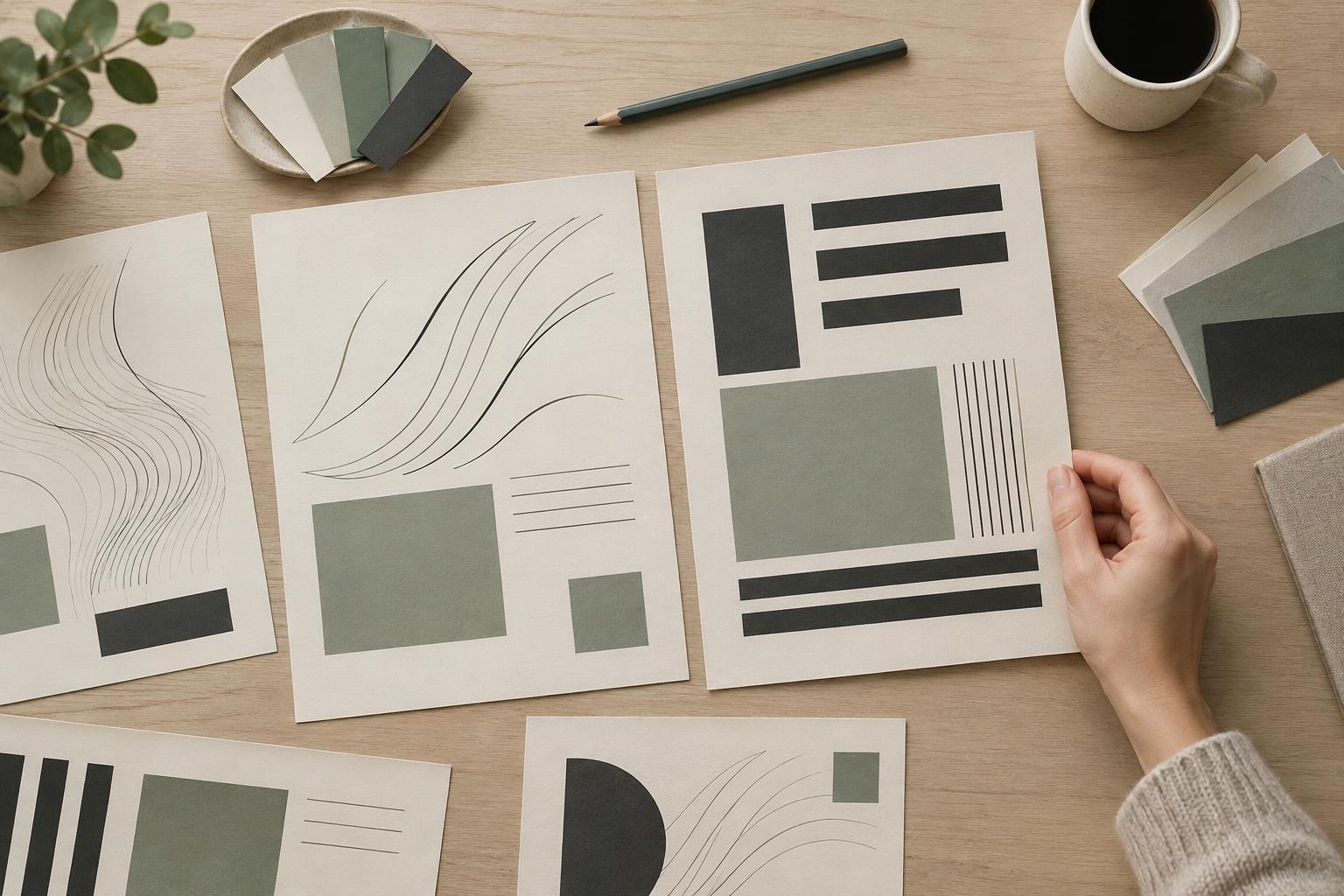
Spacing is useful because it separates groups without adding more shapes or labels. Leave less space between a heading and its related paragraph than between one section and the next. Apply the same principle to cards, captions, and form fields. Consistent alignment also helps: when related elements share an edge, a viewer can scan them as a group. If a layout feels disorganized, adjust grouping and alignment before adding decorative lines or boxes.
Emphasize selectively with contrast and color
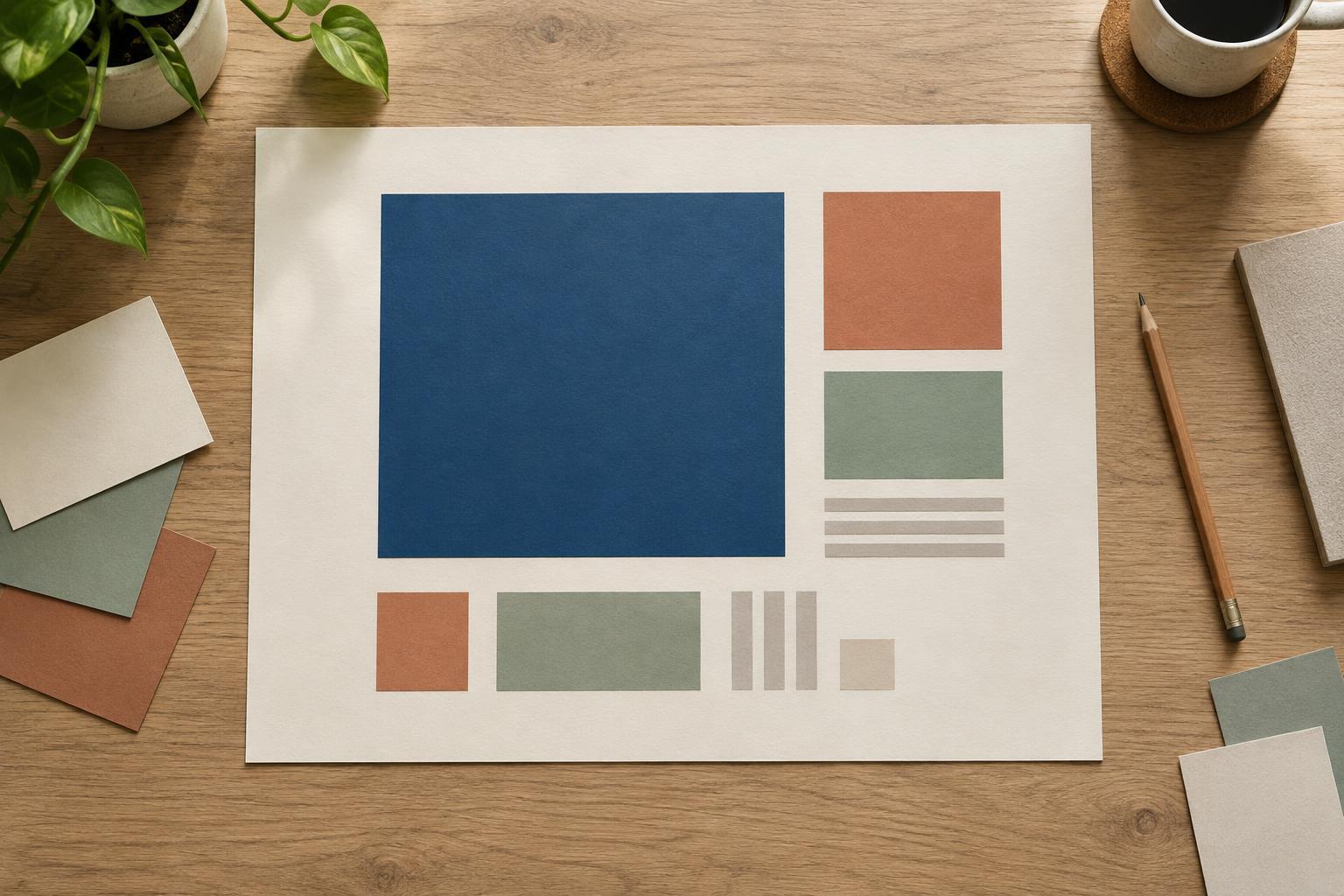
Contrast helps an element stand apart from its surroundings. Bold type against regular type, a dark headline on a light background, or a single accent color on a button can all create emphasis. The strongest contrast should support the main message or action. If every label is bold, every card has a bright border, and several colors compete for attention, none of those signals remains especially useful.
Color can reinforce hierarchy, but it should not carry the whole job. A link or status may be clearer when its wording, position, or shape also explains its role. Likewise, decorative text that is so faint it becomes difficult to read is not an effective way to make it secondary. Keep supporting information legible; give it less emphasis through scale, weight, or spacing rather than making it disappear.
Test the path your design creates
A quick check is to step back from the layout or view it as a small thumbnail. Ask what catches your eye first, second, and third. Does that sequence match the order you planned? Then read the page at its normal size to make sure quieter details are still easy to find. If you can, ask someone unfamiliar with the project what they noticed first and where they would go next. Their answer can reveal a mismatch between your intended hierarchy and the one the page actually creates.
Make one change at a time when the sequence feels wrong. Reduce an oversized image, move a heading closer to its explanation, or give the primary action more distinction than nearby links. Visual hierarchy is not about forcing every viewer along an identical path. It is about offering clear cues so people can understand the content and choose their next step without working hard to decode the layout.