Why the shape of a paragraph matters
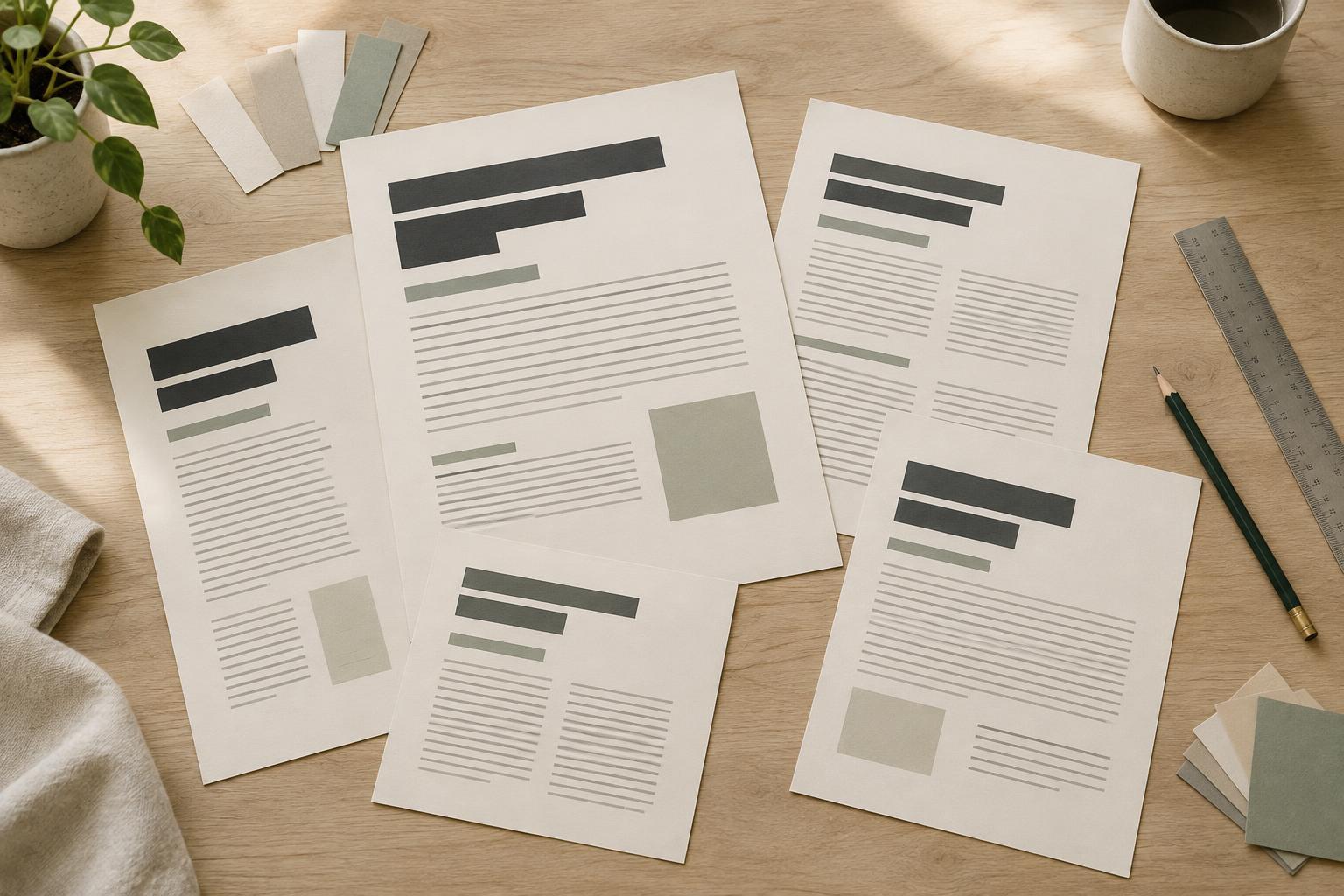
A paragraph has a visual shape before anyone reads its words. Its width determines how far the eye travels across each line, while the space between lines affects how easily a reader finds the next one. Together, these choices influence whether a page feels calm and approachable or dense and tiring.
Neither setting works alone. A wide text column may need more breathing room between lines, but extra spacing cannot fully rescue lines that are awkwardly long. Likewise, short lines can feel choppy even when their spacing looks generous. The goal is not to find one perfect measurement for every project. It is to make the next line easy to locate without interrupting the flow of reading.
Choose a line length that supports the content
Line length, sometimes called measure, is the amount of text that fits on one line. When lines are very long, readers have farther to travel before returning to the left edge. That return can become especially noticeable in sustained reading. Very short lines create a different interruption: the eye must move down more often, and sentences may break at awkward points.
For body text, roughly 45 to 75 characters per line can be a useful place to begin, not a rule to enforce. Character count changes with the typeface, font size and wording, so inspect actual paragraphs rather than relying on a number alone. A portfolio case study with long explanations may benefit from a narrower reading column than a compact product interface. If a page includes images or side notes, keep those elements from stretching the main text merely to fill available space.
Give lines enough space to stay distinct
Line spacing is the vertical distance from one line of text to the next, often controlled by the line-height setting in a digital layout. If lines sit too close together, letters from adjacent lines can appear crowded and it may be harder to follow a paragraph. If they sit too far apart, each line can feel detached from the sentence around it.
A line-height around 1.4 to 1.6 times the font size is a reasonable starting range for many body-text layouts. Adjust it by looking at the typeface and the width of the column. A typeface with a large lowercase appearance may need a different setting from one that looks compact at the same nominal size. Headings also need their own treatment: large text often looks coherent with relatively tighter spacing than body copy. Check paragraphs of several lengths, because a setting that looks attractive in two lines may feel different across a full page.
Design for changing screens and reading conditions
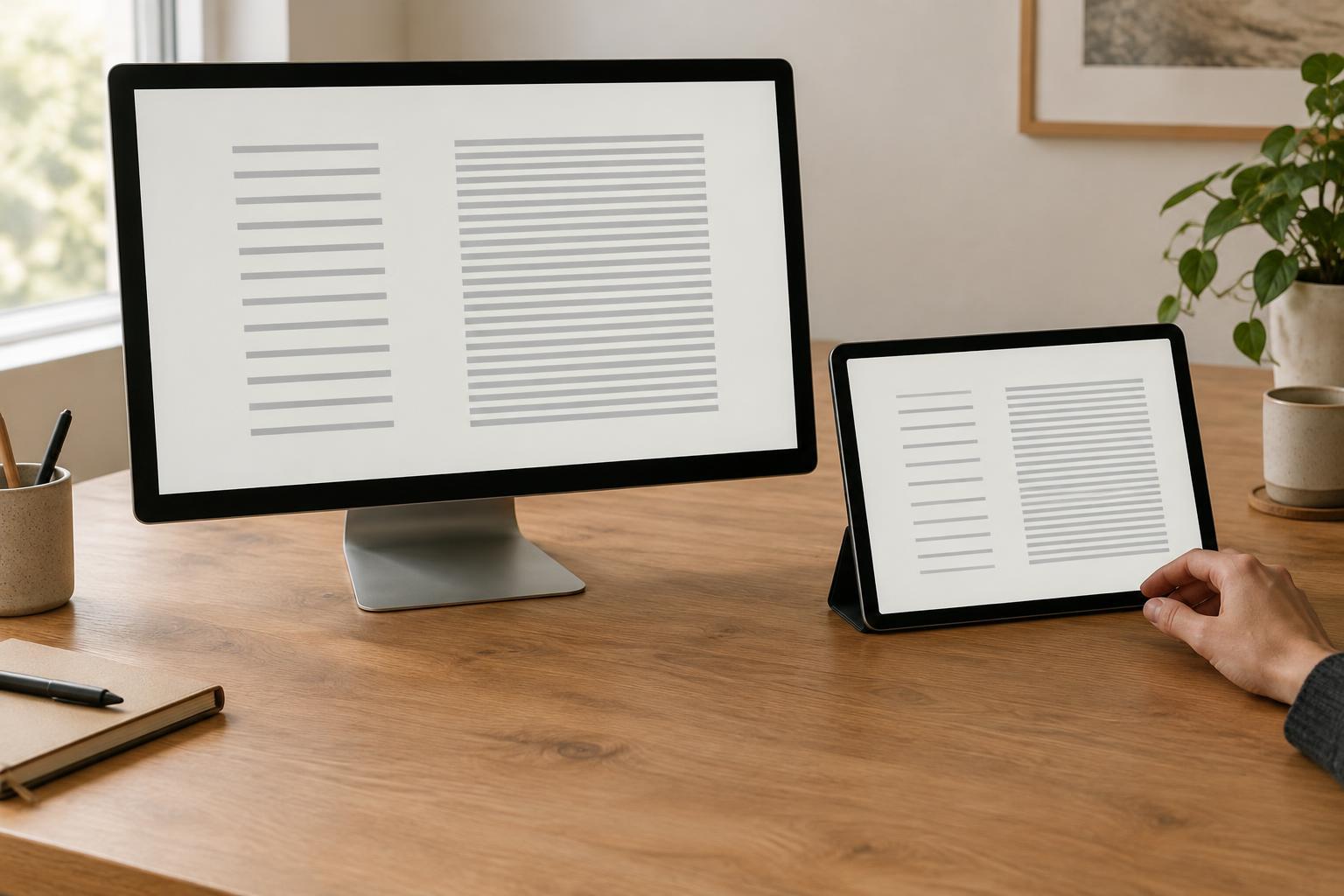
A comfortable desktop column can become cramped or oversized when the viewport changes. Instead of letting body text span the entire width of a large screen, set a maximum width for the reading area. On a narrow screen, allow that area to shrink with the viewport and preserve comfortable margins. The result is a layout that adapts without asking readers to scan unusually long lines.
Text size, contrast and spacing around paragraphs also affect the experience. Increasing line spacing will not make tiny or low-contrast text comfortable on its own. Readers may zoom, enlarge text or use a different device orientation, so avoid layouts that depend on a fixed number of lines fitting in a box. When content grows, the text area should be able to grow with it.
Test the text as a reader would
Use real content when judging a layout. Include a short introduction, a long paragraph, a heading and any links or emphasized words the page is likely to contain. Read several paragraphs at a normal pace on both a narrow and a wide screen. Notice whether you lose your place at the end of a line, whether lines seem to merge, or whether each line feels isolated from the next.
Change one variable at a time. If the return to the next line feels difficult, try narrowing the column before adding more line spacing. If the text feels crowded, adjust line-height and then check that paragraphs still read as connected units. A useful final test is simple: can someone focus on the content without repeatedly noticing the layout? Good typography does not demand attention; it gives the words room to do their work.