Start with roles, not a list of favorites
A type pairing works when readers can understand the relationship between its parts. Before choosing typefaces, decide what the design needs: perhaps a distinctive voice for headlines, a comfortable reading experience for body text, and a clear style for labels or navigation. A portfolio page with short project summaries has different demands from a long article, even if both belong to the same brand.
Give each typeface a job you can describe in one sentence. For example, one might carry headlines and short introductions, while the other handles paragraphs, captions, and interface details. If both compete to be the most expressive element, the page can feel unsettled. If they have distinct roles, their differences become easier to understand.
You may not need two typefaces at all. A family with several useful weights or widths can create plenty of hierarchy on its own. Start there when consistency matters more than contrast, especially in small projects with only a few text styles.
Look for contrast with a shared direction
Pairing does not require typefaces to look alike. In fact, two nearly identical sans serifs may create an awkward question: is the difference intentional or a mistake? A serif headline with a sans serif body can make the roles clearer. So can a characterful display face alongside a quieter text face. The goal is contrast that supports the same overall tone, not contrast for its own sake.
Compare the typefaces at the sizes where you will actually use them. Notice their letter proportions, stroke weight, spacing, and how much visual presence they have. A delicate headline face can disappear beside a heavy body face; a wide, energetic display face may overwhelm a calm editorial layout. These are not automatic reasons to reject a pairing, but they tell you what you may need to adjust.
A useful test is to describe each candidate in a few ordinary words, such as warm, precise, formal, or playful. The descriptions need not match exactly, but they should make sense together for the project. If the visual direction is restrained, a highly decorative second face may be difficult to use without changing that direction.
Test the pairing with real content
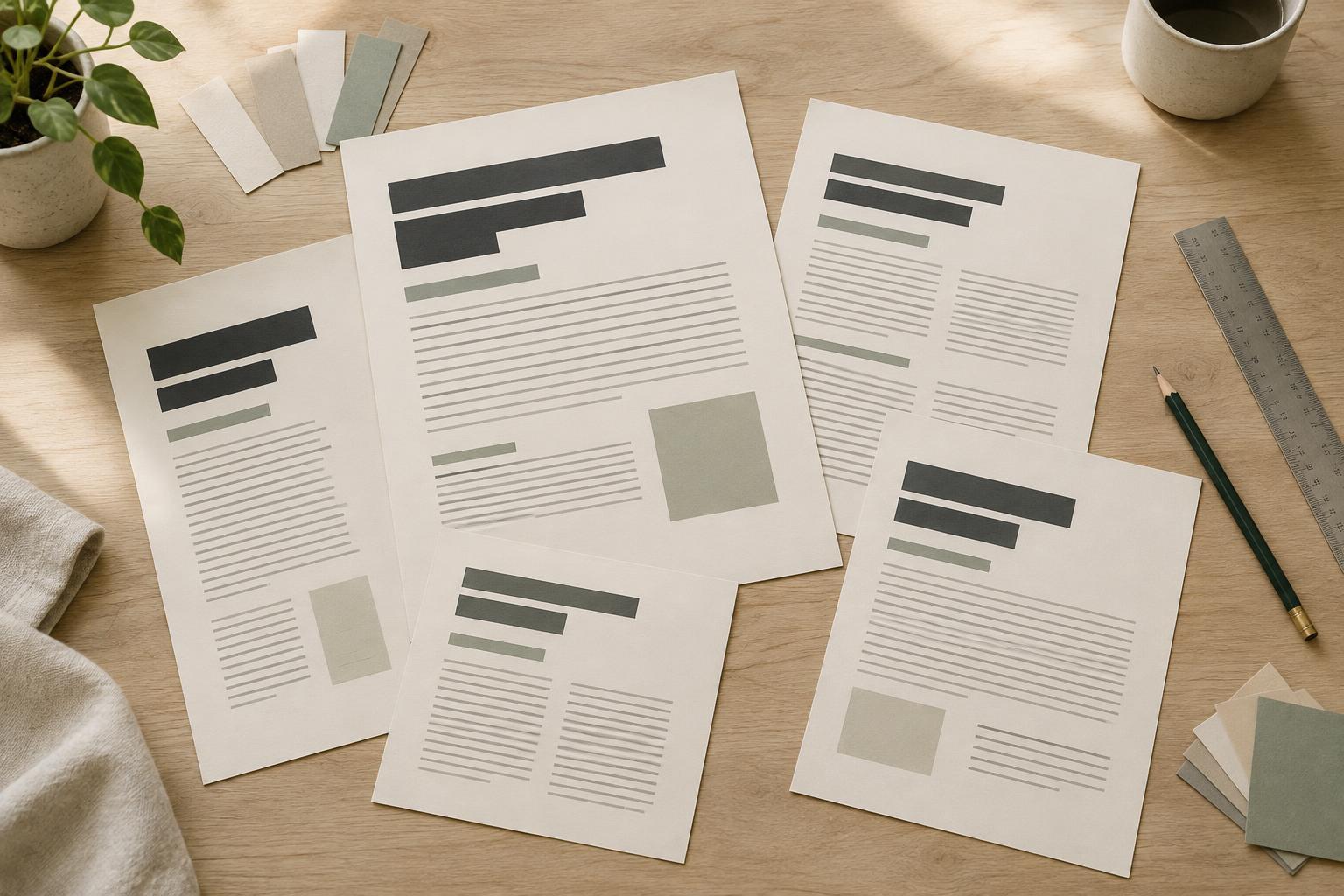
Typeface specimens can make almost any font look appealing. A working layout is less forgiving. Put your candidates into a sample page with a long headline, a short headline, several paragraphs, a caption, and any buttons or navigation the project needs. Use realistic wording and lengths rather than repeating the same placeholder sentence.
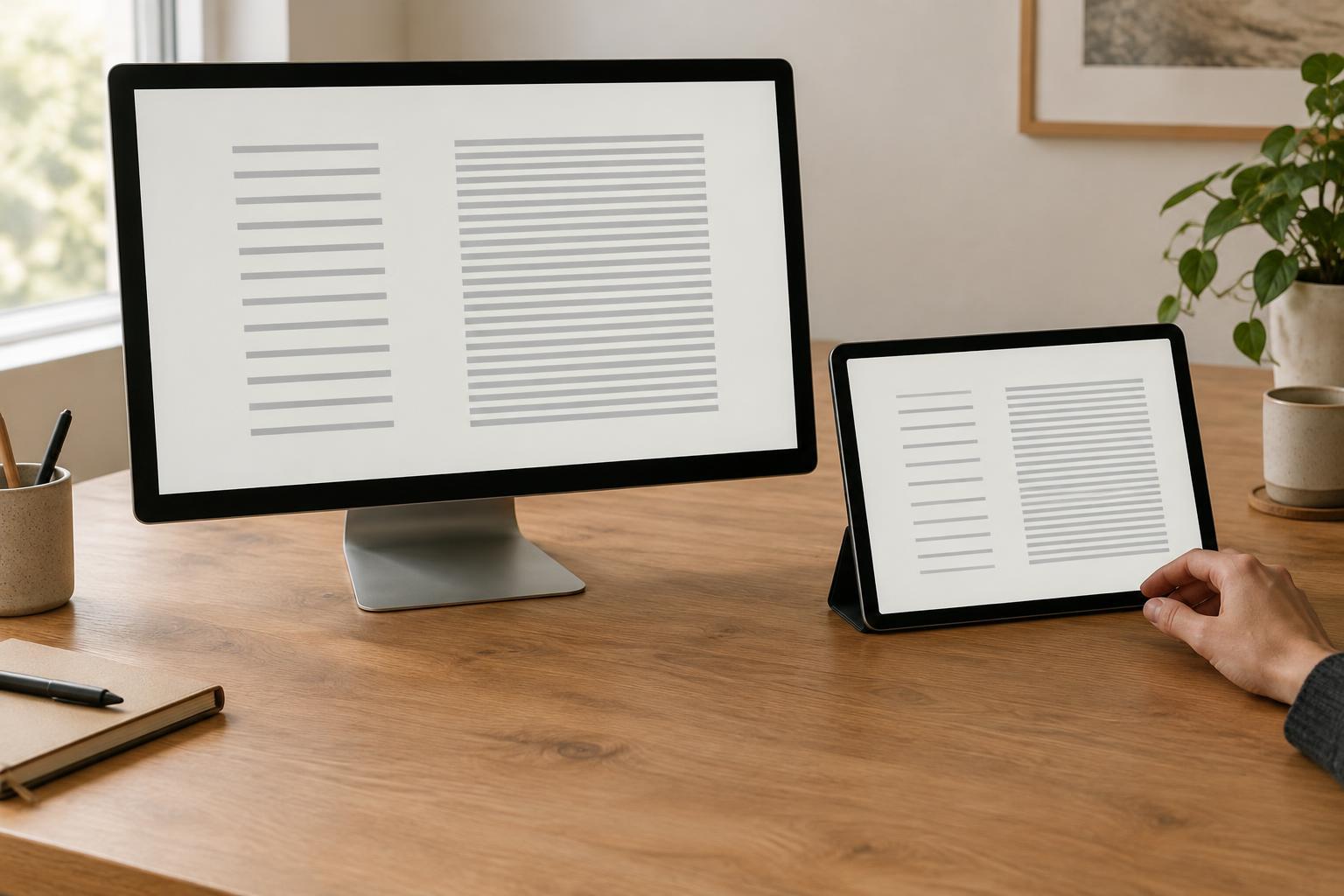
Check how the pairing behaves across sizes and line lengths. Does the body text remain comfortable to read? Do headings wrap in a way that still looks deliberate? Are numbers, punctuation, and emphasized words easy to distinguish? If the design will appear on narrow screens, review it there too. A combination that feels balanced on a wide canvas can become crowded when every line breaks sooner.
When something feels inconsistent, identify the specific cause before swapping fonts. The problem may be a headline that is too bold, body text that is too small, or spacing that makes related elements seem disconnected. Adjusting size, weight, line spacing, or margins may solve more than searching for another typeface.
Set rules for the entire type system
Even a strong pairing can feel random if its use changes from page to page. Make a small type scale that defines your main heading, secondary heading, body, and small-text styles. For each style, note the typeface, weight, approximate size, line spacing, and intended use. The rules do not have to be rigid, but they should give you a reliable starting point.
Keep exceptions purposeful. If every section introduces a new italic treatment, all-caps label, or unexpected weight, readers have to keep learning the design. Repetition creates coherence: the same kind of information should usually receive the same treatment. Save an unusual style for a meaningful distinction, such as a pull quote or a recurring project category.
Color, alignment, and spacing also affect whether typefaces seem to belong together. Two different faces can feel unified when they share a consistent layout and clear hierarchy. Conversely, inconsistent spacing can make even a single-family design feel fragmented.
Make a final pass for practical fit
Before committing, check that the typefaces include the characters and styles your content requires. Look at bold and italic versions if you plan to use them, and make sure labels, names, and numbers look acceptable. Confirm that you have permission to use the fonts in the ways your project needs, whether in a website, presentation, or downloadable file.
Then remove anything the design does not need. Try the layout with fewer weights, fewer text sizes, or just one typeface. If the message becomes clearer, keep the simpler version. A successful pairing is not measured by how noticeable the fonts are; it is measured by how naturally they help someone move through the content.