Start with the job your references need to do
Visual references can support several different tasks. You might save a layout to study its spacing, a photograph for its lighting, or a poster because its typography suggests a direction for a project. When all of these go into one large folder, the collection grows but finding a useful example becomes harder. Before choosing an app or reorganizing your files, decide what you need to retrieve: references for a particular project, examples of a design technique, or a broader set of ideas for future work.
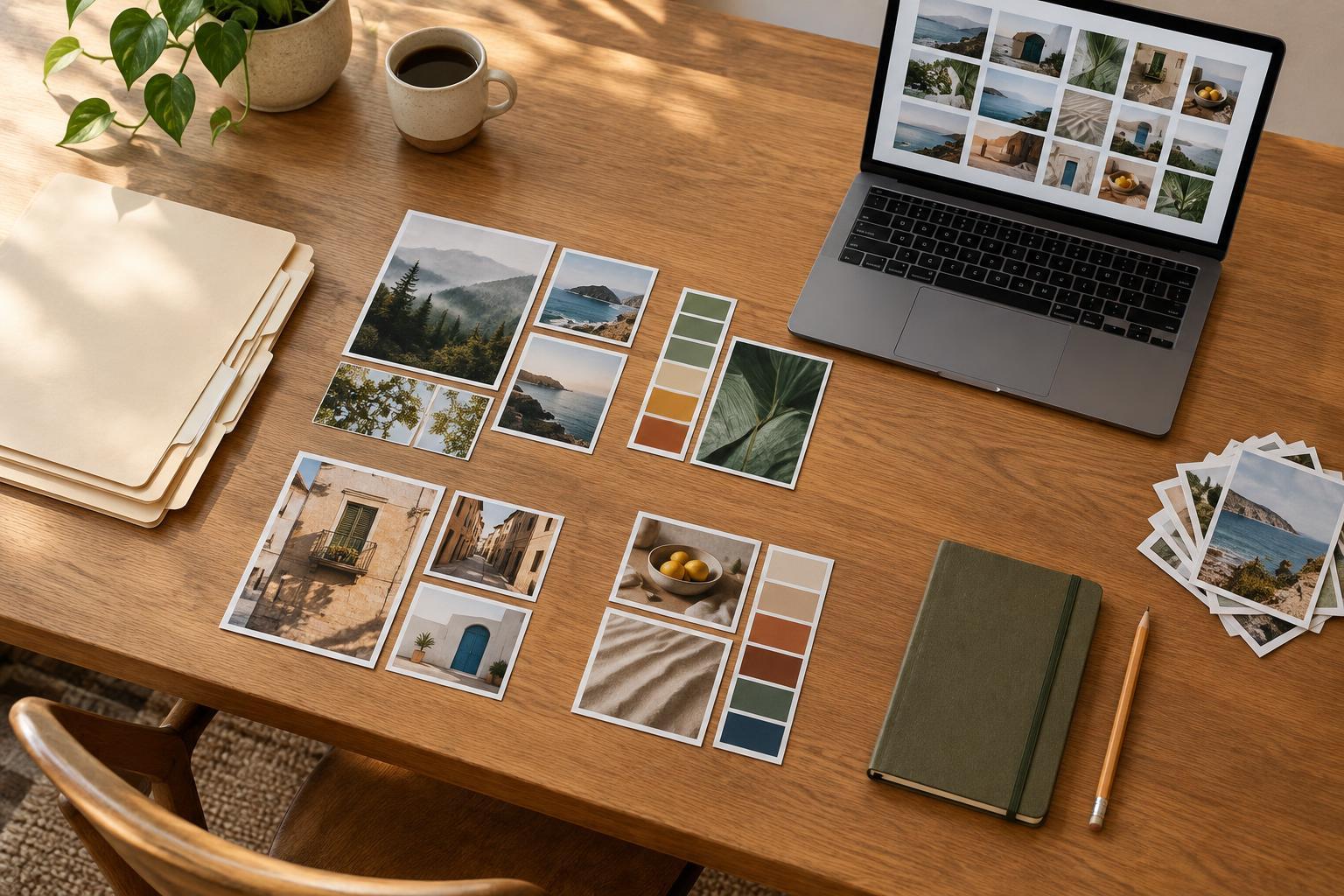
A simple distinction helps: keep active project references separate from your long-term library. An active project folder can hold material you are comparing right now, including options you may later reject. The long-term library should contain examples you expect to consult again. This keeps a temporary burst of research from burying the references that remain useful across projects.
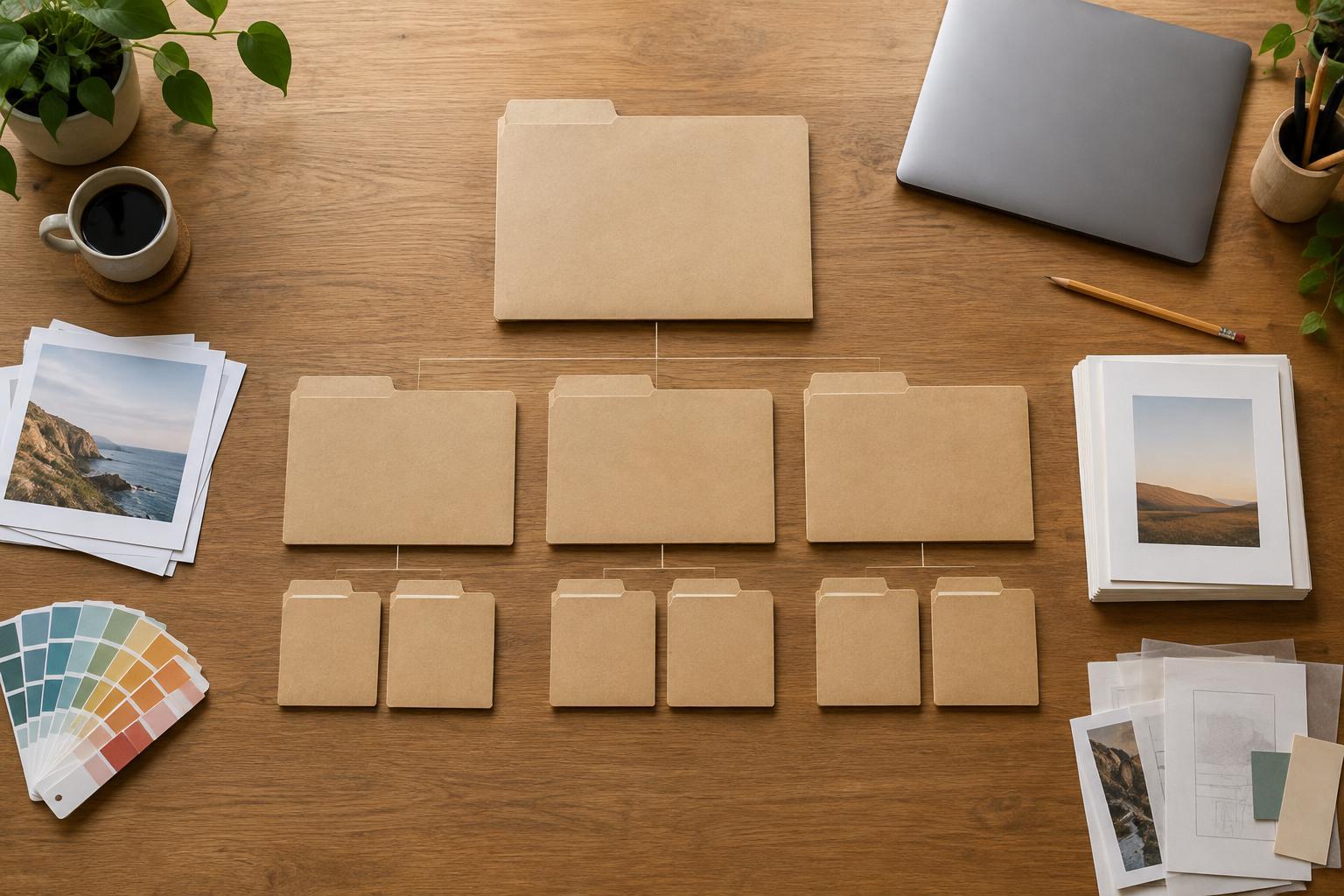
Choose a small number of dependable categories
Organize by how you are likely to look for an image, not by every possible detail it contains. A designer might begin with categories such as typography, layout, color, imagery and interaction. Within a project, categories such as direction, approved references and production details may be more helpful. Use the fewest folders that let you make a quick choice; an image that could reasonably belong in three places is a sign that the structure may be too specific.
Tags can add detail without forcing you to build a deep folder tree. For example, a reference might sit in typography and carry tags for editorial, high contrast and dense layout. If your tool does not support tags, a searchable filename or a short note can serve the same purpose. Pick terms you would naturally use later. Consistent, ordinary words are more useful than a clever naming system you will have to remember.
Capture the reason, not just the image
A saved image often loses its meaning after a few weeks. Add a brief note at the time you collect it: “Strong hierarchy despite many elements” or “Useful example of warm color against a neutral interface.” That sentence gives your future self a way to find the reference and a reason to open it. It also encourages you to look closely rather than saving something simply because it looks appealing.
When appropriate, record where the reference came from, such as the creator, publication, product or page name. Keep a link if you have one, but do not rely on the link as your only copy or description; pages can change and saved links can lose context. For client work, keep references clearly labeled as inspiration rather than finished assets. A reference library is a tool for studying decisions and communicating direction, not a shortcut for copying someone else’s work.
Make saving and retrieval equally easy
The best system is one you will use during a busy workday. Choose a single intake location, such as an inbox folder or board, for anything you cannot classify immediately. Then move worthwhile items into your main library when you have time to add a name and note. This is usually easier to maintain than stopping every time you find an image to decide its permanent home.
Test the system with a real question: “Where is that example of a narrow type column beside a large image?” Try to find it without scrolling through everything you have saved. If you cannot, add the words you searched for to the item’s name or note. Search terms are personal; this small test reveals more about what will work for you than an elaborate folder plan made in advance. If you work across devices, also check that the collection is available where you actually design and present work.
Keep the library useful as your work changes
Set aside a short, recurring moment to process the intake folder. Delete duplicates, move project-specific material to its project, and add context to the references worth keeping. You do not need to catalog every image in detail. A collection becomes easier to trust when you are willing to remove items that no longer teach you anything or help you explain an idea.
As a project ends, keep only the references likely to matter again, along with any notes about the design decisions they helped clarify. Over time, your library can become more than a pile of attractive images: it can show how you examine composition, type, color and communication. The goal is not perfect organization. It is being able to move from a creative question to a relevant example without starting your search from scratch.