Give ideas a place to land
A fresh idea often arrives while you are doing something else: refining a layout, drafting a proposal, or solving a client problem. The tempting response is to explore it immediately. One search becomes a folder of references, and the original task loses its place. Capturing an idea is different from developing it. The goal is to leave yourself enough information to recognize the thought later, then return to the work you chose to do.
Pick one primary inbox for new ideas. It might be a notes app, a paper notebook, or a text file beside your project documents. Choose something you can open and close quickly, including when you are away from your usual desk. If you already have several places where ideas collect, you do not need to move everything at once. Start by sending new thoughts to one place so you always know where to look.
Capture the thought, not the whole project
A useful idea note can be short. Write a descriptive label, the core thought, and the reason it caught your attention. For example: “Portfolio case study opening: show the messy first sketch before the polished result; it may make the design process easier to understand.” That gives your future self more to work with than “portfolio idea,” without turning the note into a writing session.
If the idea belongs to an active project, name that project. If it depends on something you have seen, record a brief description or save the relevant link when doing so is quick. Avoid collecting references just because they might someday be useful. A capture system becomes harder to trust when every note requires sorting through a pile of loosely related material. You can expand a promising idea during a planned review, when you have time to judge it properly.
Use a pause rule to protect your attention
Decide in advance what you will do when an idea appears mid-task. A practical rule is to pause, write one or two sentences, and return to the next visible step of your current project. Keep that step easy to find by leaving a short marker before you switch away: “Next, revise the caption under the second image,” for instance. This small cue reduces the effort of getting back into the work.
Not every interruption belongs in the idea inbox. If a thought reveals an error in the work you are doing, it may need attention now. If it is a new direction, a possible future article, or a different way to present the project, it can usually wait. When you cannot tell which it is, capture it first. You can then make a deliberate choice rather than letting the excitement of the moment set your schedule.
Separate collecting from deciding
Set aside a recurring time to review your inbox, such as the end of a work session or a weekly planning block. For each note, ask whether it supports a current commitment, deserves a place in a future-project list, needs more information, or can be discarded. A good idea does not automatically need to become a task. It may be interesting but poorly timed, or it may solve a problem you no longer have.
Give promising ideas a next action only when you intend to act on them. “Sketch three ways to open the case study” is more useful than “work on portfolio.” If an idea is not ready, keep the note without building a detailed plan around it. You can also combine related notes during review. Several small observations about client handoffs, for example, might point to one useful checklist rather than three separate projects.
Keep the system lighter than the ideas
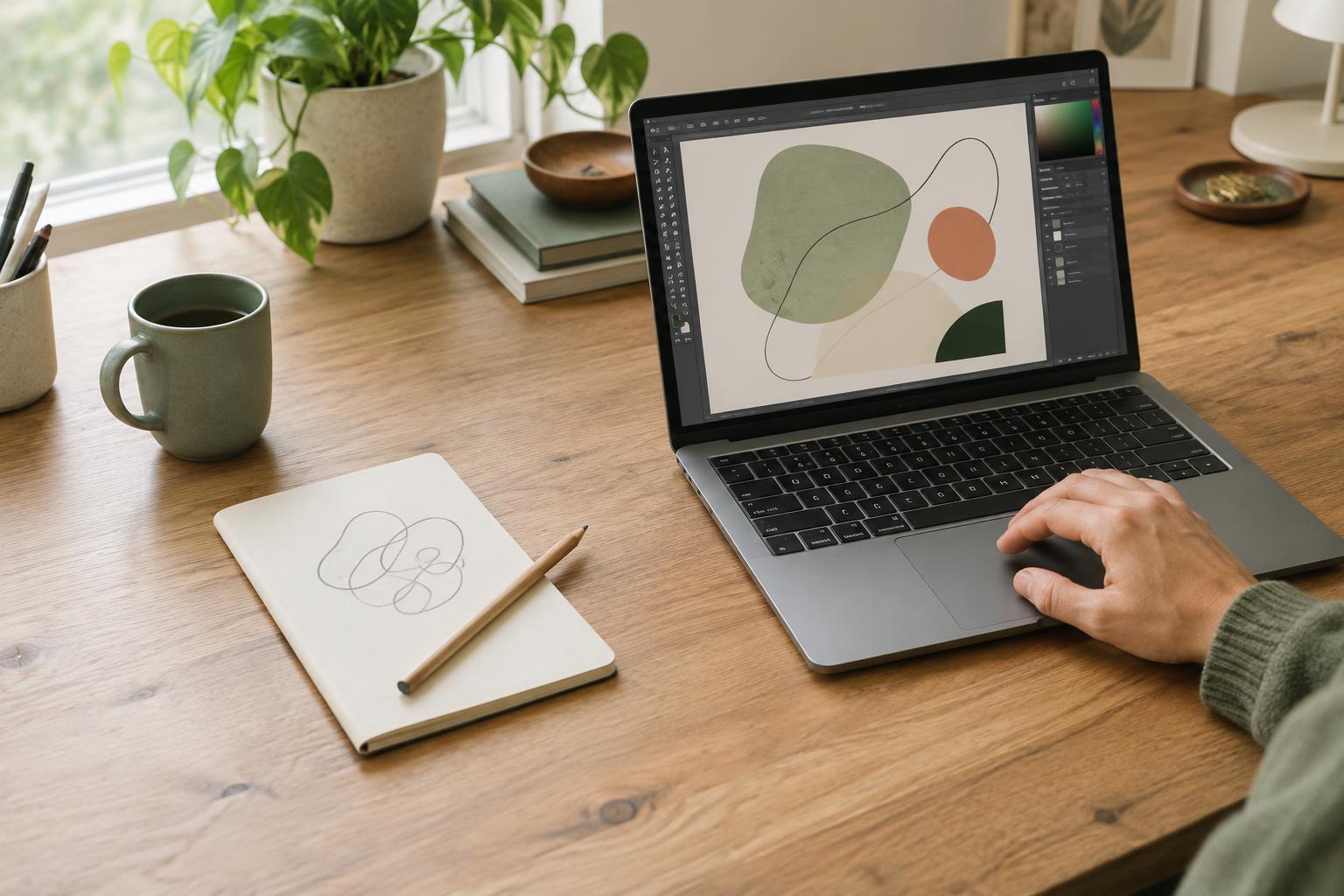
Your capture habit should fit the way you actually work. A designer who thinks in images might save a quick sketch with a sentence of context. A writer might dictate a rough line while walking, then tidy the transcription later. Neither approach needs a complex tagging scheme. Start with an inbox and a review habit; add categories only if finding past ideas becomes difficult.
It is also fine to let some thoughts go. Capturing every passing possibility can create a second workload that competes with the projects you care about. When a thought seems worth keeping, record it clearly and stop. The purpose of the system is not to preserve every spark or turn every note into finished work. It is to make room for new ideas while allowing your current project to receive your full attention.