Start with the job your folders need to do
A folder structure is a map of a project, not a test of how organized you are. Its main job is to help you answer ordinary questions quickly: Where is the source file? Which images can I use? What did I send to the client? If you work alone, the map should make sense when you return after a break. If you collaborate, someone else should be able to find the essentials without asking you to explain every folder.
Begin with one main folder per project. Give it a name that identifies the work, such as “ClientName_WebsiteRefresh” or “Personal_ZineProject.” Keep everything directly related to that project inside it: the brief, working files, supplied materials, and deliverables. A clear project boundary helps prevent assets from one assignment drifting into another.
Use a small set of folders you can remember
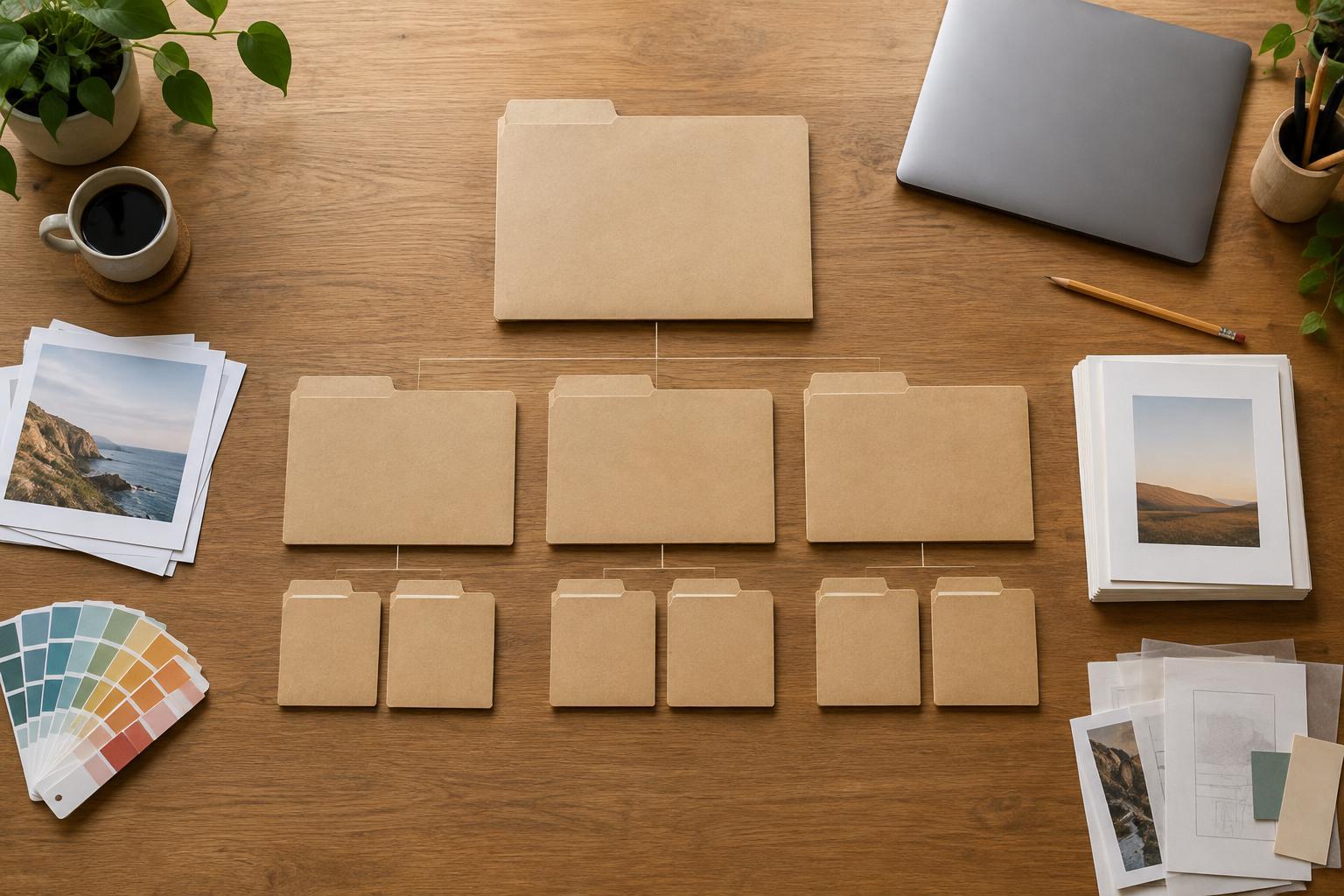
A beginner-friendly project might have five top-level folders: Admin, Assets, Working, Review, and Final. Admin holds the brief, scope, notes, and relevant correspondence you need to keep. Assets holds materials such as images, copy, fonts, or references; create subfolders only when the collection becomes difficult to scan. Working is for editable design files and experiments. Review contains proofs or exports shared for feedback. Final contains the approved files intended for delivery or publication.
These names are examples, not rules. A writing project may need a Research folder, while a video project may need Footage, Audio, and Project Files. Add a folder when it separates files you use for different purposes. Avoid creating many empty folders in advance: a system that requires frequent decisions about where to save a file can become harder to use than a simple one.
Keep the original files supplied by a client separate from files you edit. That way, you have an untouched reference if you need to check a detail or begin again. If a project involves sensitive information, store and share it according to the agreement and tools you use rather than assuming a tidy folder makes it secure.
Name files so they make sense outside the folder
A file called “final2_new_REAL.pdf” is understandable for a moment and confusing later. Choose a short naming pattern and use it consistently. A useful pattern is project name, item, version or status, and file extension: “ZineProject_Cover_v03.pdf,” for example. Descriptive names are especially helpful when files are downloaded from a shared folder and lose the context of their original location.
For work that changes through feedback, use numbered versions for meaningful checkpoints rather than saving a new file after every minor edit. If you need to preserve a particular direction, save it with a clear label before changing it. Once a deliverable is approved, put the approved export in Final and remove ambiguous words such as “latest” from its name. “Latest” can stop being true as soon as another revision appears.
Make review and delivery easy to distinguish
Working files, review copies, and final deliverables serve different purposes. A working file may contain unfinished ideas or linked assets. A review copy lets someone comment on the work without sorting through your source files. A final deliverable should match what was agreed and be easy to identify. Keeping these stages apart reduces the chance of sending an old draft or treating feedback on a proof as approval of the finished file.
Before a handoff, open the Final folder and check it from the recipient’s point of view. Are the filenames clear? Are there duplicate exports with no obvious difference? Do the files open as expected? If editable files are part of the handoff, include the assets they require when you have permission to share them. A short text note can explain any essential details, such as which file is intended for print and which is intended for a screen.
Maintain the structure as the project grows
A folder system works best when you spend a little time maintaining it. At the end of a work session, move loose downloads into the appropriate project folder and give important files useful names. Before you archive a finished project, check that Final contains the delivered version and that Review and Working are not full of temporary files you no longer need. Keep older working versions when they help document decisions or allow you to restore useful work.
Finally, remember that organization and backup are different tasks. A neatly arranged project can still be lost if it exists in only one place. Use a backup approach that suits your tools and check occasionally that you can retrieve files from it. The best folder structure is not the most elaborate one; it is the one you can follow while concentrating on the creative work itself.