Decide what the archive needs to do
Finishing a personal project does not mean you will never touch it again. You might want to make a small update, adapt a component for something new, or explain the work in a portfolio. An archive gives your future self enough context to do those things without reconstructing the project from memory.
Start by naming the likely reasons you would reopen it. A poster series may need editable artwork and print-ready exports. A small website may need its source files, content, and setup notes. A writing project may need drafts, final copy, and a record of what was cut. You do not have to preserve every experiment equally; keep what helps you understand, reuse, or accurately present the work.
Set a modest goal: someone unfamiliar with the project should be able to find the final version, identify the working files, and understand what to do first if they need to make a change. That person might simply be you six months from now.
Make the final version easy to identify
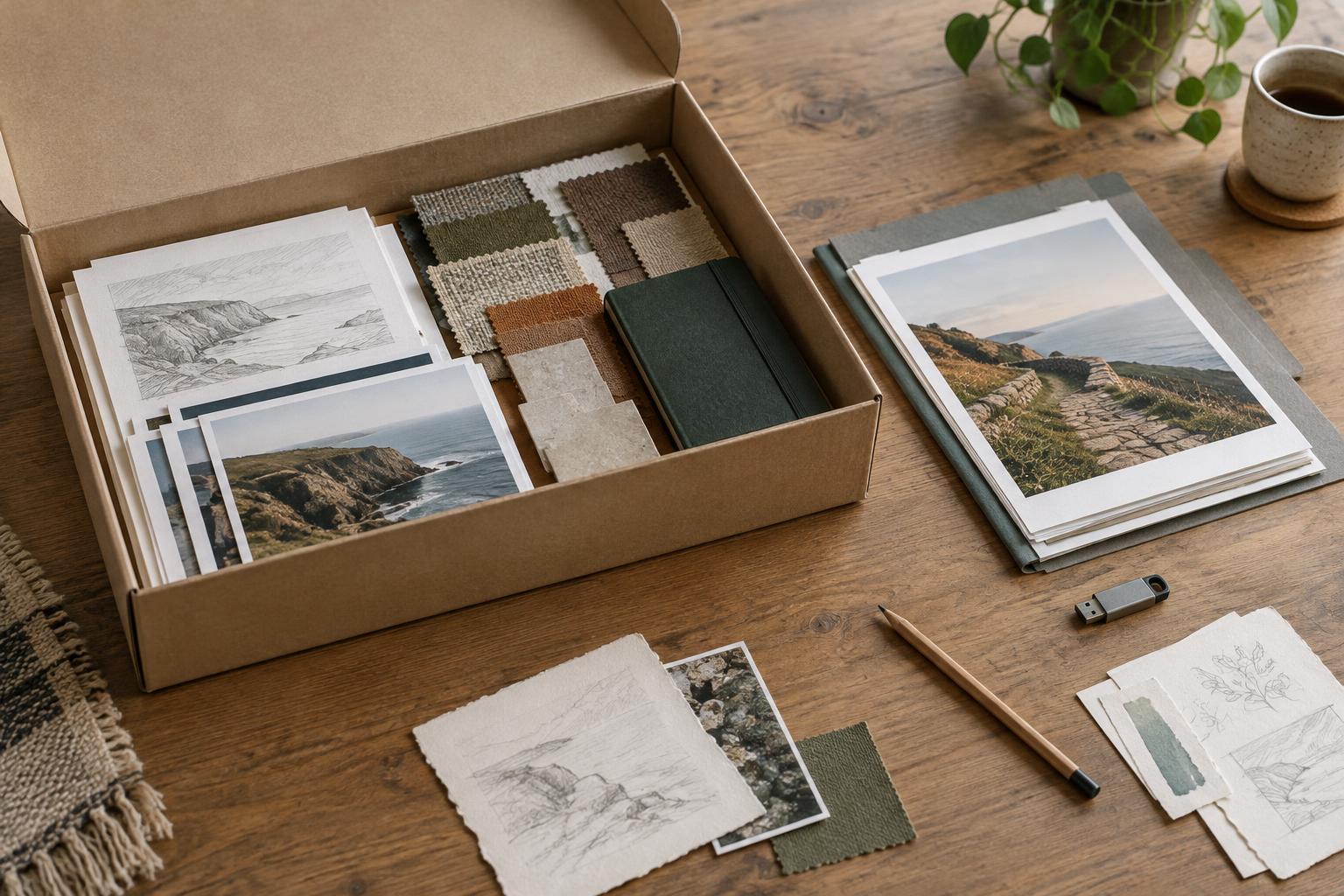
Gather the project into one clearly named folder or workspace. Separate editable source files from exports and reference material. Within those groups, use names that describe what a file contains rather than how you felt about it at the time. A folder called “final” is useful only if it holds the version you actually shared or delivered.
Keep a copy of the published result when practical. For a visual project, that might be image exports or a PDF. For a website, it might be screenshots alongside the source files. For a written piece, save the published text separately from drafts. These copies let you see what the audience saw, even if the original platform or working environment changes.
Before deleting anything, check whether an older file contains a useful alternative or a decision you may want to revisit. You can move such material into an “explorations” folder rather than mixing it with the final files. The aim is not to keep every duplicate. It is to make the difference between the finished work and the work that led to it obvious.
Write a short note about the decisions behind the work
Files preserve the output, but they rarely explain the reasoning. Add a plain-text project note with a brief description of the idea, the intended audience, the constraints you chose, and the main decisions you made. Include enough detail to answer questions such as why a feature was omitted or why one visual direction won over another.
Record practical information that would be frustrating to rediscover. Note any tools needed to open or build the project, where editable assets live, and which elements came from outside the project. If you used someone else’s assets, keep the relevant credit or permission information with the archive rather than relying on memory. Avoid putting passwords or other sensitive information in a casually shared project folder.
Keep this note short enough that you will actually maintain it. A few clear paragraphs and a small list of unresolved issues are more useful than an elaborate document you abandon halfway through. If a project changes later, add a brief update so the note continues to match the files.
Leave yourself a clear way back in
End the note with a starting point for future work. Describe the first action you would take to make an update: open a particular file, review a set of drafts, or test a specific part of the project. Separate genuine next steps from ideas you merely found interesting. That distinction prevents an old brainstorm from looking like an unfinished obligation.
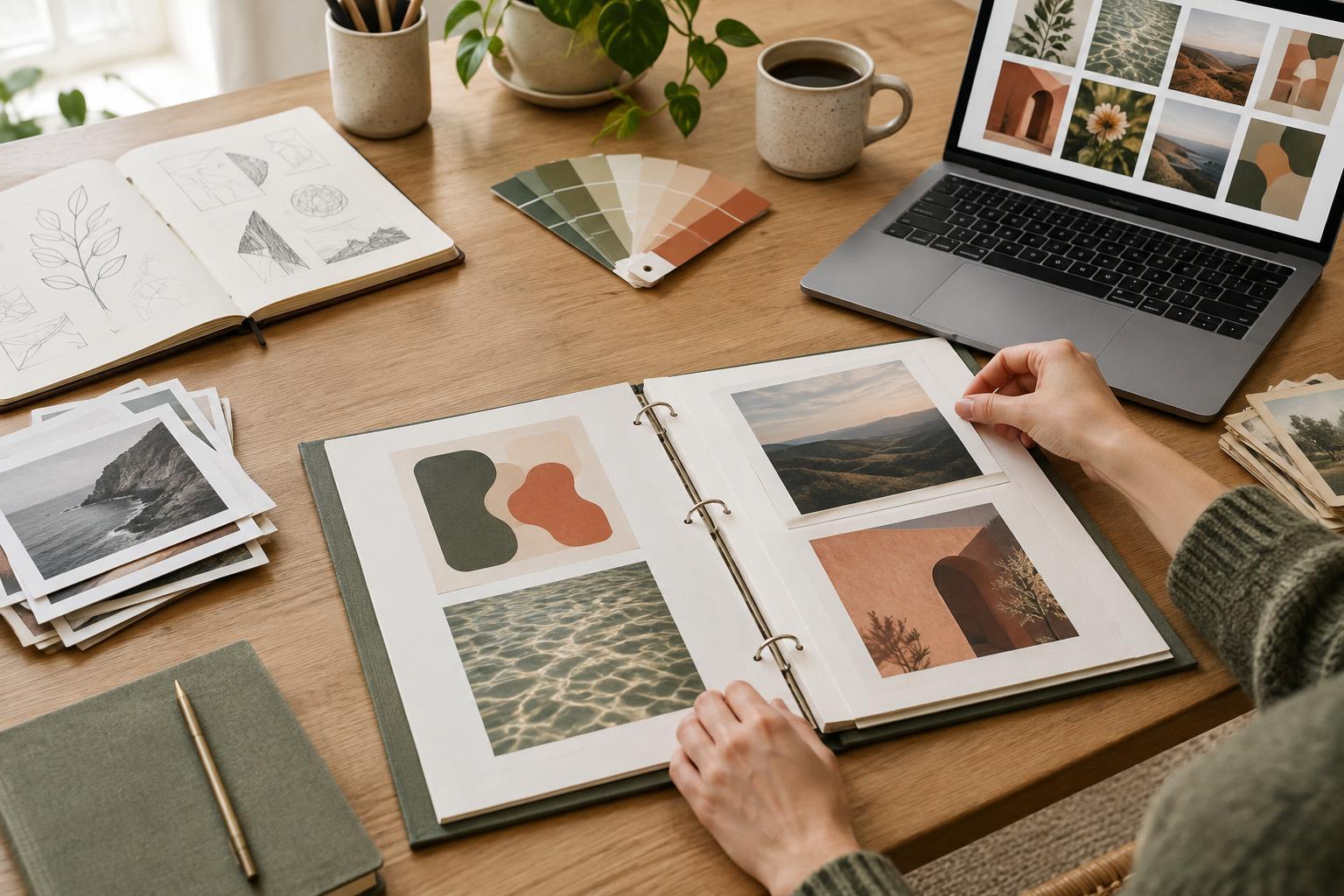
If the project could become a portfolio case study, preserve a few pieces of process material as well as the final result. Early sketches, a meaningful revision, or a concise explanation of a trade-off can help you describe how you worked. Keep only material you are comfortable showing or explaining, and remove private client information or personal details that do not belong in a public account.
Finally, test the archive by stepping away from your usual workspace and opening it as if you were new to the project. Can you find the finished piece? Can you locate an editable version? Does the project note tell you what needs attention? Fix any gaps you notice, then let the archive be finished. Its purpose is to make returning easier, not to create another task you must keep polishing.