Start with the outcome, then work backward
A project plan is easier to build when the finish line is specific. “Launch a portfolio” is broad; “publish a portfolio with three case studies, a contact page and working mobile layouts” gives you something to plan against. Write down what counts as done, including any review or handoff the work needs before it can be published.
Next, list the deliverables that make up that outcome. For a portfolio, these might include project descriptions, images, page designs and a final site check. Break down each deliverable only as far as you need to assign time or spot a blocker. You do not need a separate task for every small edit; you do need to notice that you cannot finalize a case-study layout until you know which images and text it must hold.
If someone else is involved, record what you need from them as part of the plan. An approval, a file or an answer to a question can be a dependency just as much as a design task can.
Draw the connections that affect the order of work
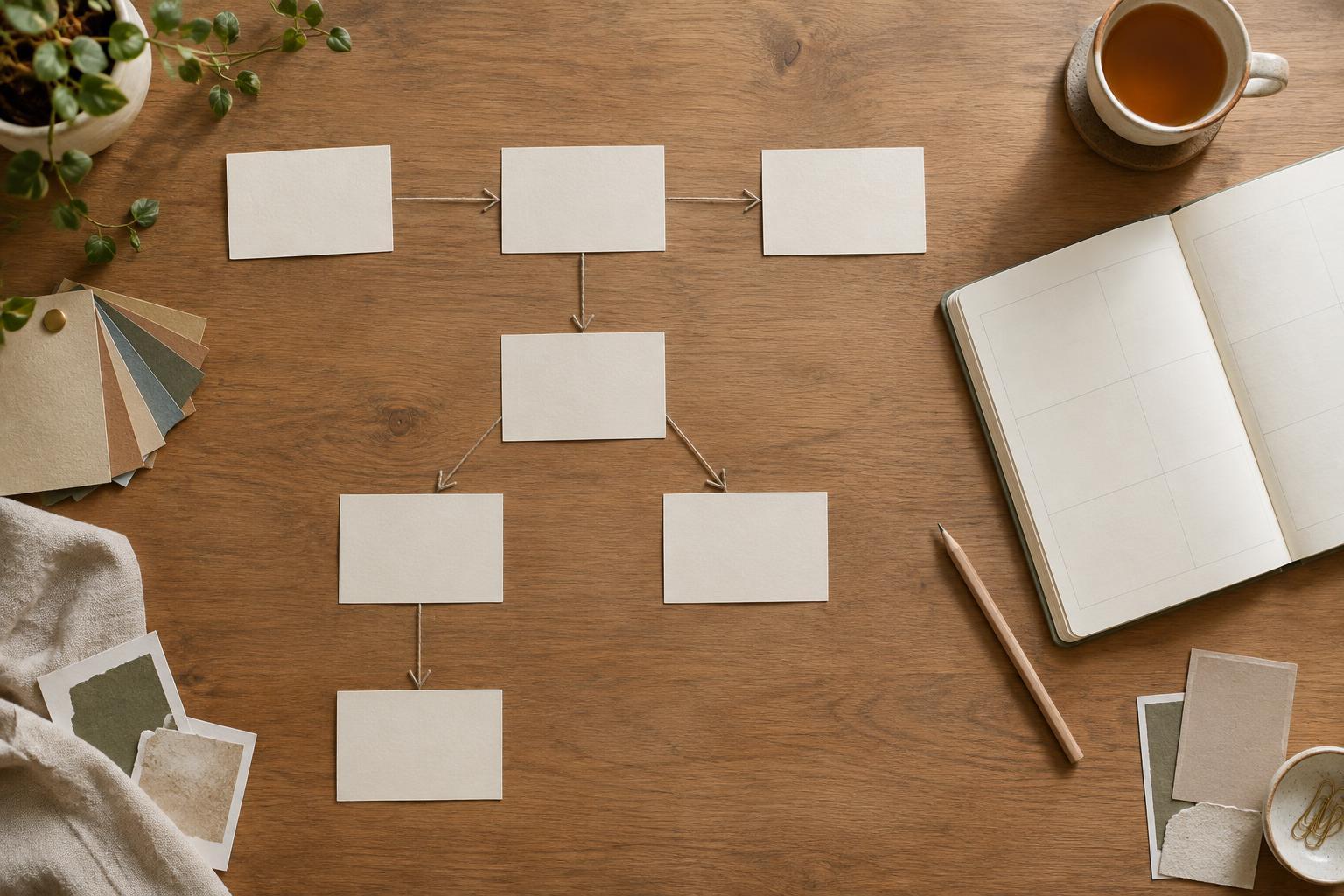
A dependency is a task or decision that another step relies on. Draw an arrow from the prerequisite to the work it enables: selecting images → building the case-study page. A notebook sketch, a simple table or a digital board can all do the job. The useful part is the connection, not the tool.
Some connections are strict. You cannot check a page in its final form before the content is in place. Others are flexible: you can sketch a layout with placeholder text, then refine it when the copy arrives. Labeling the difference helps you keep moving without pretending unfinished inputs are final. It also reveals work that can happen in parallel, such as drafting a contact page while images are being selected.
Look for tasks with several steps waiting behind them. Those deserve early attention, even if they seem small. A delayed choice about the project’s scope, for example, can affect the writing, design and review. Resolve it if you can; if you cannot, note the assumption you are working under and what may need to change later.
Plan for waiting as well as making
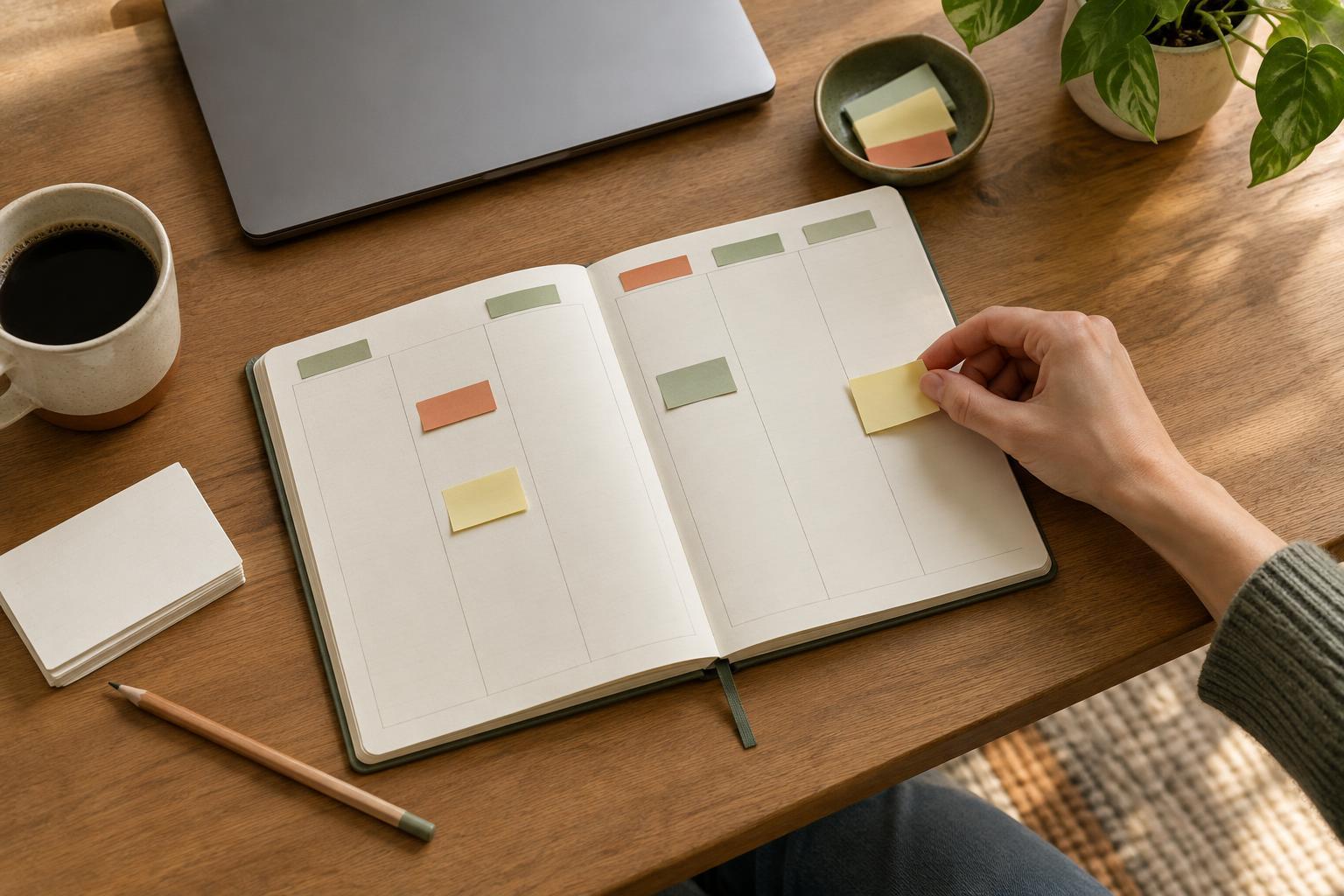
Creative schedules often account for production time but overlook the gaps between tasks. Feedback may arrive later than expected. A client may need time to gather materials, or you may need a fresh look before judging a draft. Put these waiting periods on the map rather than treating them as invisible.
For each handoff, decide what you will send, who will respond and what kind of response will let you proceed. “Review the design” is vague; “confirm the page structure and flag missing content” gives the reviewer a clearer job. If the response is important to the next stage, avoid scheduling that stage as though approval were automatic.
Keep a short list of useful tasks that are not blocked by feedback. You might prepare image exports, check links on completed pages or tidy project files. This gives you options when a dependency pauses the main sequence, without forcing you to start unrelated work.
Leave deliberate space for the unexpected
A calendar filled edge to edge is fragile. One extra revision can push every later task out of place. Instead of assigning every available hour to planned production, leave some capacity uncommitted. How much you need depends on the project: unfamiliar tools, several reviewers or unclear source material are reasons to allow more room.
Place that room where uncertainty is most likely to appear. A gap after receiving feedback is usually more useful than one after a routine file export. You can also give a difficult task a time range rather than a single optimistic estimate. If it finishes early, use the remaining time for quality checks or the next unblocked task.
Treat unexpected requests as choices, not automatic additions. When new work arrives, ask whether it changes the agreed outcome, which tasks it depends on and what it would displace. That question is useful even on a personal project: adding an animation may be worthwhile, but not if it prevents you from finishing the core pages you set out to publish.
Revisit the map as the project changes
A dependency map is a working document, not a prediction you must defend. Check it at natural transition points, such as after a first draft, a review or a change in scope. Mark what is complete, remove connections that no longer matter and add any new decisions that now block progress.
When a task slips, look beyond its own deadline. Ask what it holds up and whether those later steps can be started in a smaller, reversible form. You might draft page structure before final copy arrives, but leave detailed spacing decisions until the text is ready. This keeps momentum while limiting rework.
The goal is not a perfect schedule. It is a clear view of what can happen now, what must wait and where you have room to respond. With that view, you can make steadier progress without treating every change as a crisis.