Start with the question a person needs to answer
A good form label helps someone decide what belongs in a field before they type. Use familiar words and name the information you need: “Email address” is clearer than “Contact,” and “Delivery address” is clearer than “Address” when a form also asks for billing details. Keep labels short, but not so short that people have to guess their meaning.
Make the label visible even after someone starts typing. Placeholder text inside a field can offer an example, but it should not carry the only explanation: it may disappear as the person types and can be mistaken for a completed answer. Place a persistent label beside or above the field, then use nearby help text for details that do not fit in the label. For example, “Project deadline” might be followed by “An approximate date is fine.”
Explain requirements before they become errors
If a field needs a particular format or has a limit, say so where the person will use that information. “Password” alone does not explain the requirements for creating one. A short instruction near the field can. Likewise, if you need a file in a particular format, name the accepted formats before someone tries to upload it. This can prevent avoidable corrections.
Distinguish required fields from optional ones consistently. If nearly every field is required, marking the few optional fields may be simpler than repeating “required” throughout the form. Avoid relying only on an asterisk unless its meaning is explained. Whatever convention you choose, apply it the same way across the form so people do not have to relearn it on each screen.
Write errors that lead to a fix
An error message should identify the affected field, describe the problem and suggest a useful next step. “Invalid input” offers little help. “Enter an email address in the format name@example.com” gives someone something to check. If a date is outside an allowed range, state the range rather than merely saying the date is wrong. Use a calm tone that addresses the task, not the person’s ability.
Be specific without making assumptions about why an error happened. “We couldn’t accept this file. Choose a PDF or PNG under the stated size limit” is more useful than “You uploaded the wrong file.” If a service cannot confirm an entry because something went wrong on its end, do not present that as a mistake the person made. Say what they can try next, and preserve the answers they have already entered whenever possible.
Place feedback where people can find it
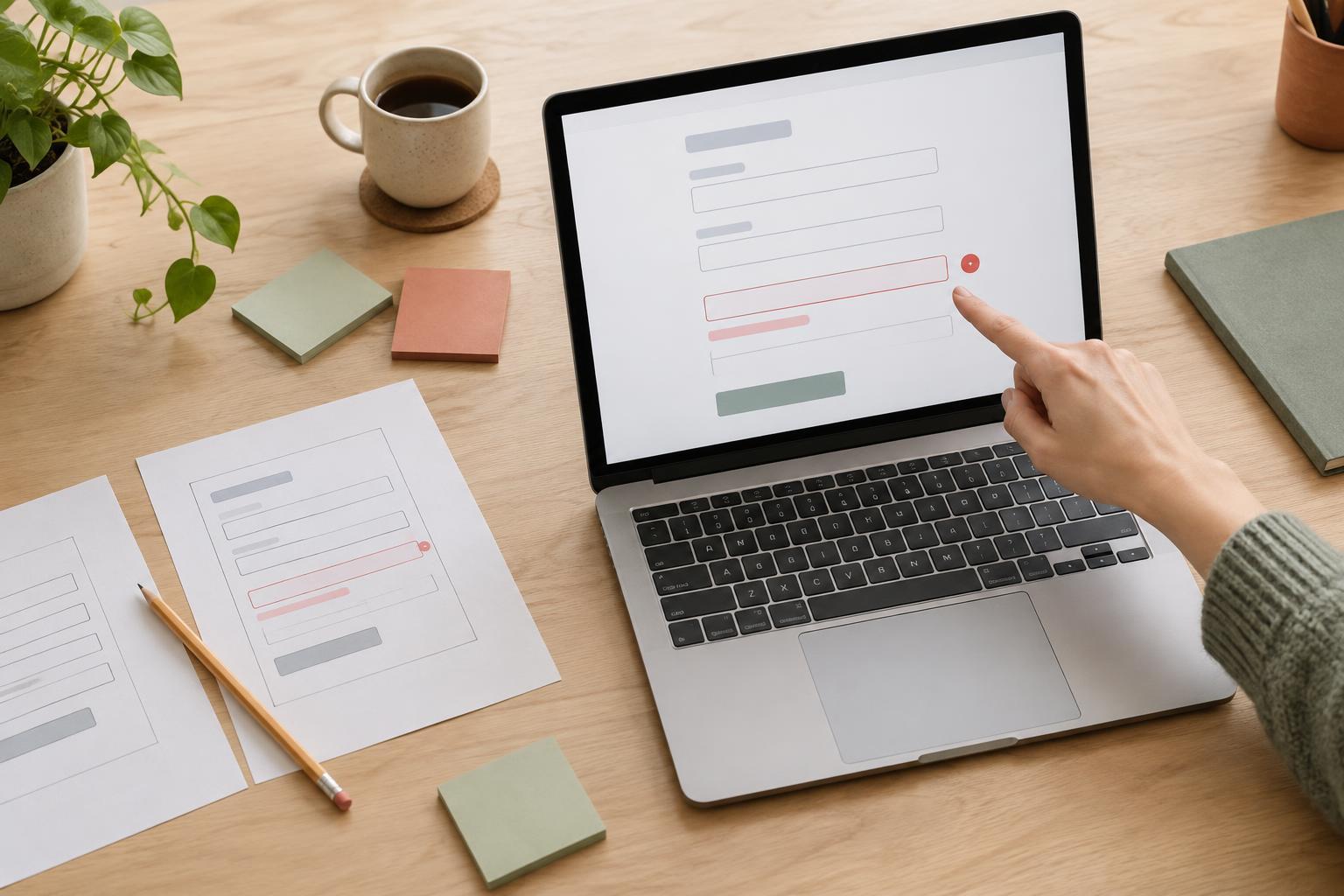
Show a field-level error next to the field it describes. On a longer form, a brief summary near the top can also help people understand how many items need attention and find them. Make that summary point to the relevant fields when the interface allows it. Do not make people scan the whole page to discover what needs fixing after they submit.
Color can reinforce feedback, but it should not be the only signal. Pair a visual change with clear text, and make sure errors are identifiable without having to distinguish red from another color. Consider what happens when someone uses a keyboard or screen reader: the error should be associated with its field, and the form should make newly displayed feedback discoverable. These details need to be checked in the working interface, not just in a static design.
Review the form as a complete conversation
Read the labels, hints and errors in the order someone would encounter them. Do they ask for the same information using the same words? Does a hint promise one format while the error demands another? Consistent language reduces the effort of interpreting each step. It also makes the form easier to revise later, because requirements are less likely to be scattered across conflicting messages.
Test a few realistic paths: submitting an empty form, entering a value in the wrong format, correcting an error and returning to a partially completed form. Ask someone unfamiliar with the form to explain what each field wants and what they would do after seeing an error. Their points of hesitation can reveal unclear wording or placement. The goal is not to write clever microcopy; it is to help people finish their task with confidence.