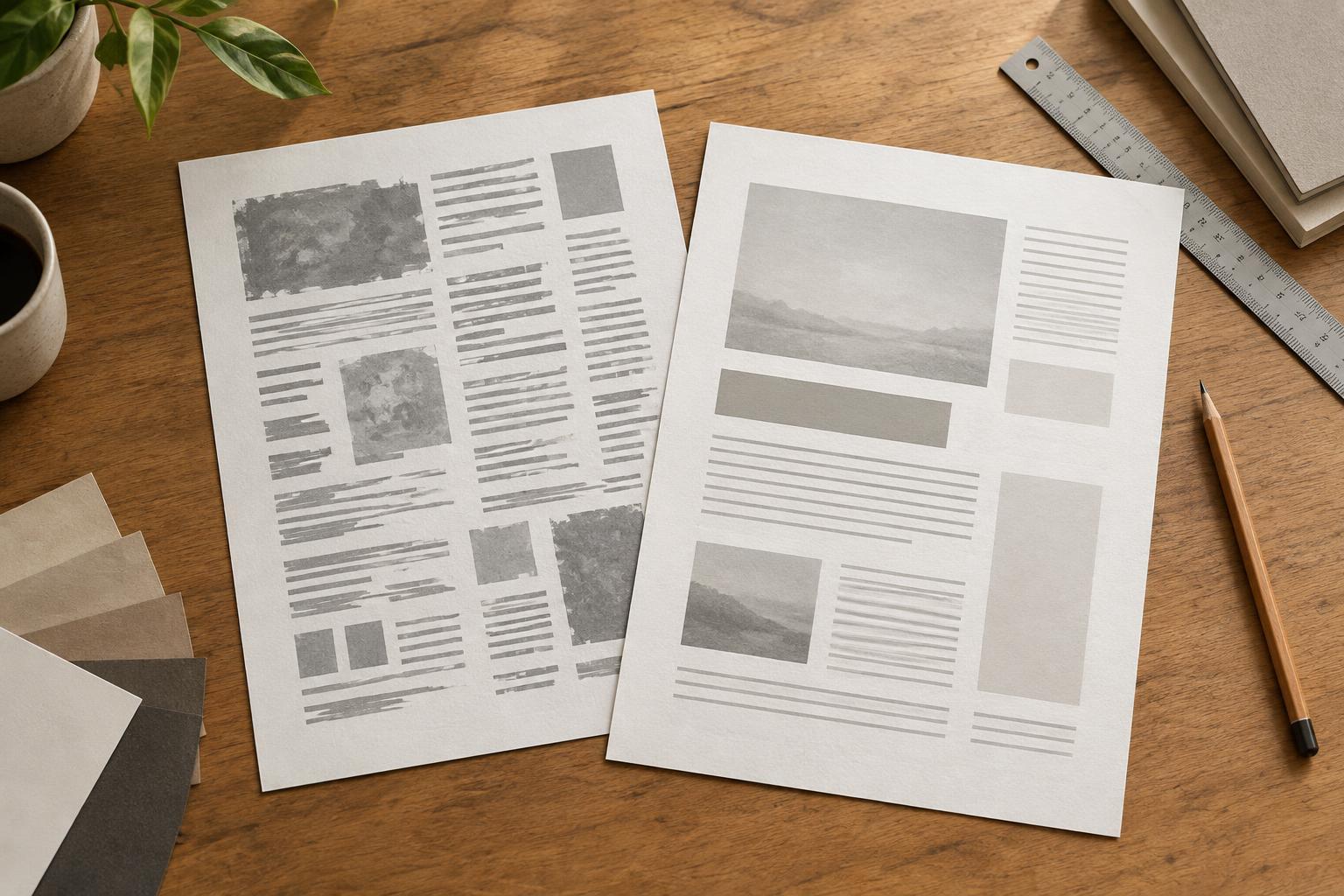
Mistake 1: Everything has the same visual weight
When a title, subheading, caption, and body paragraph look almost alike, readers have to work out the structure for themselves. Making every element bold does not solve the problem; it simply makes the page louder. A clear hierarchy gives each level a distinct job. The title introduces the subject, headings divide it into useful parts, and body text carries the detail.
Start by identifying the few text roles your design needs. Assign each role a consistent size, weight, and amount of space around it. Make the main heading noticeably more prominent than the section headings, but avoid increasing size at every opportunity. You can create contrast with weight and spacing as well as scale. Then scan the page without reading it closely. If its structure is not apparent at a glance, simplify or strengthen the differences between levels.
Mistake 2: Body text is hard to read
Small type, long lines, and tight line spacing can make otherwise useful writing feel exhausting. The opposite extremes cause trouble too: very short lines interrupt the reading rhythm, while excessive line spacing makes related sentences feel disconnected. A layout that looks elegant as a thumbnail may be uncomfortable at the size people will actually use.
Test body text at its intended display size. If your eyes lose their place when moving to the next line, try narrowing the text column. If lines feel crowded, add a little line spacing before changing the font size. Break up dense copy with meaningful headings and paragraphs rather than arbitrary line breaks. On responsive pages, check both wide and narrow layouts: a column that reads well on a laptop may need different spacing on a phone. Aim for a comfortable reading experience, not a single rule applied to every typeface.
Mistake 3: Spacing is treated as decoration
Typography depends on the spaces between elements as much as on the letters themselves. A heading stranded at the bottom of a page, a caption closer to the next image than its own, or paragraphs packed together can obscure relationships. Adding space everywhere is not the answer. The goal is to make related items feel connected and separate items feel distinct.
Review spacing in groups. A section heading should generally sit closer to the paragraph it introduces than to the content above it. Captions should remain visually attached to their images. Use a small, repeatable set of spacing values so similar elements behave consistently. Then look for exceptions: a short heading may need more room around it than a multi-line one, and a dense interface may need a different rhythm from an editorial page. Adjust with a purpose rather than nudging individual elements until they merely look balanced.
Mistake 4: Alignment and emphasis compete for attention
A page can feel unsettled when text blocks start at slightly different positions or when centered, left-aligned, and right-aligned copy are mixed without a reason. Long centered paragraphs are especially difficult to scan because each line begins in a new place. Emphasis can create similar noise: too many bold phrases, colors, or all-cap labels leave readers unsure what matters most.
Choose a primary alignment and use it consistently for content that belongs together. Left alignment is often a practical starting point for longer passages in English. Reserve centered text for short elements when it suits the composition. Check the edges of headings, paragraphs, lists, and captions to see whether they follow a coherent grid. For emphasis, highlight only what helps someone make a decision or find information. If half a paragraph is bold, return most of it to regular weight.
Mistake 5: Font choices are made in isolation
A typeface can look appealing in a specimen but behave differently in a real project. A delicate display face may lose clarity in small labels; two expressive fonts may compete rather than complement each other. Adding another font whenever a design needs variety often creates inconsistency instead of character.
Begin with the text your project must support: long passages, headings, buttons, labels, or all of them. Choose fonts that remain clear in those roles, and check that the weights and characters you need are available. One versatile family may be enough; if you pair typefaces, give each a defined purpose. Before finalizing, place realistic copy in the design and review repeated screens or pages together. Typography succeeds when the whole system helps readers move through the content, not when one heading looks impressive on its own.