Agree on the rhythm before the work begins
Clients should not have to wonder whether a quiet week means focused work or a stalled project. At the start, agree on where updates will appear and how often to expect them. A weekly email may suit a multiweek design project, while a short project may only need updates at agreed milestones. Choose a rhythm that fits the pace of decisions, not one that forces you to report activity for its own sake.
Also explain what will trigger an update outside that schedule. A changed deadline, a blocked task, or a decision that affects scope is worth raising promptly. Routine work that is proceeding as planned can wait for the next scheduled message. This gives clients reassurance without making every small step into a notification.
Lead with the information the client needs
A strong update answers three questions quickly: Where does the project stand? What happens next? What, if anything, does the client need to do? Put the overall status in the first sentence, then give a few concrete details. For example: “The initial layouts are complete and the project is on track for the agreed review. Next, I’ll refine the mobile views. No action is needed from you yet.”
Use milestones and deliverables rather than a diary of your working hours. “The homepage structure is ready for review” is easier to act on than a list of meetings, sketches, and file edits. If nothing visible has changed, say what is in progress and when the client can expect the next meaningful result. An update does not need to sound busy to be useful.
Make requests specific and easy to answer
When you need input, separate it from the general update so it cannot get lost. Name the decision, explain why it matters, and give the client a clear way to respond. Instead of “Let me know your thoughts,” try “Please choose one of the two navigation options by Thursday so I can build the selected version into the next draft.” If a date has not been agreed, propose one and invite the client to flag a conflict.
Keep requests focused on decisions the client is equipped to make. A preview can include many details, but asking for feedback on all of them at once may produce scattered comments. Point to the stage of work and the type of feedback that would help now, such as whether the page hierarchy supports the intended audience. Save smaller refinements for a later pass when possible.
Raise problems early without creating unnecessary alarm
If a dependency or new request could affect delivery, do not hide it in a cheerful summary or wait until the deadline is close. State what has happened, what it may affect, and what you recommend doing next. Distinguish a confirmed change from a possible risk: “The missing product copy is blocking the final page layout” is different from “If the copy changes after approval, the layout may need another review.”
Clients are better able to respond when you offer a practical path forward. You might suggest moving ahead with unaffected pages, approving a temporary content placeholder, or revisiting the timeline together. Avoid promising that everything will remain unchanged when you do not yet know. A calm, precise update helps the client make a decision without having to guess how serious the issue is.
Use a repeatable format, then keep it brief
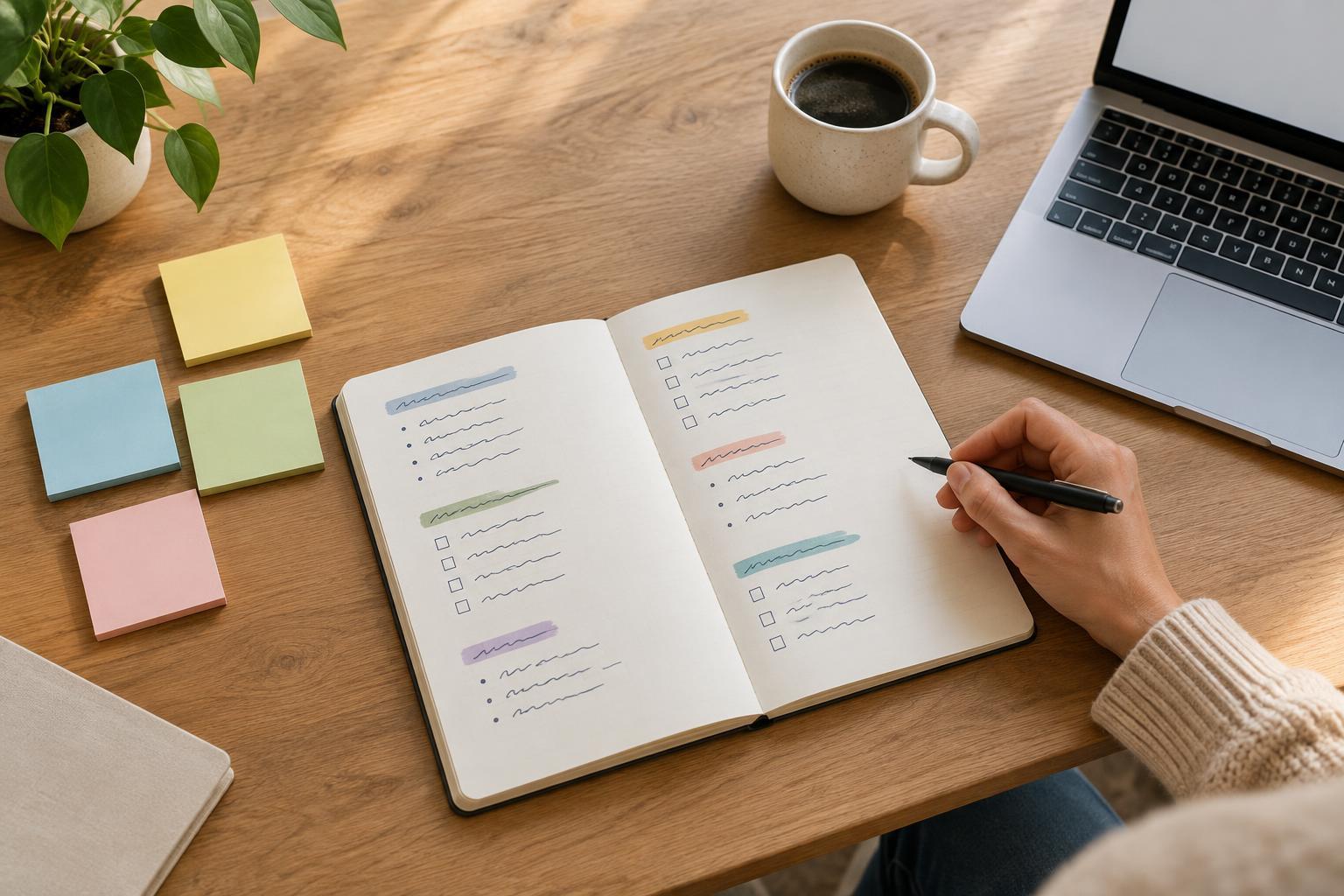
A simple format makes updates faster to write and scan: overall status, completed since the last update, next step, and client action. Include a deadline or link to a review item only when it helps the reader act. If the project has several workstreams, group them under short labels rather than sending separate messages for every task. Keep the full history in the project workspace or agreed communication channel, where details can be checked when needed.
Before sending, read the update from the client’s point of view. Is the status clear without opening an attachment? Are requests and dates unambiguous? Does each detail change what the client knows or needs to do? If not, trim it. Consistent, concise updates give clients confidence in the process while leaving both sides more time for the creative work itself.