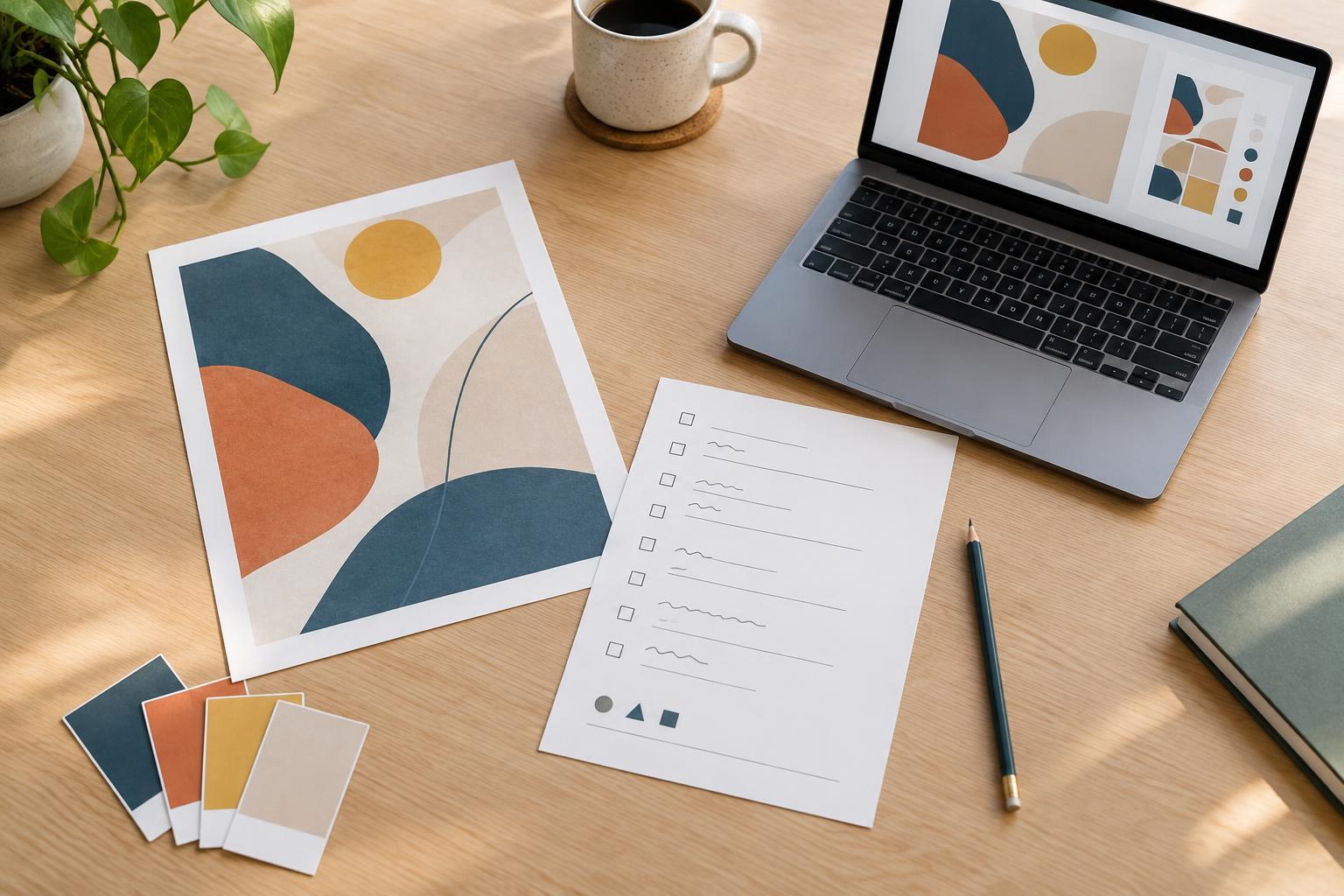
Start with a task you actually repeat
Templates are most useful where the process repeats but the content changes. A social graphic may need a familiar canvas, export settings and accessibility check, while its message and visual direction change every time. A project brief may ask the same questions for each client, even though the answers lead to different work. Before building anything, list the tasks you do regularly and note which steps you find yourself reconstructing.
Choose one task that is frequent enough to justify preparation and stable enough to have a recognizable structure. A task you completed once is probably not ready to become a template. If you are unsure, keep a simple checklist for the next few projects and look for repeated decisions, files and handoff requirements. This keeps you from formalizing a process that is still changing.
Separate the fixed structure from the creative decisions
A good template handles predictable setup without deciding the outcome. For a presentation, that might mean a consistent page size, a small set of layout options, text styles and a final review page. It should not mean filling every slide with the same kind of image or forcing every story into an identical sequence. Ask of each element: does this support the work, or does it merely copy a past project?
Build in prompts where a person needs to make a choice. A brief might include fields for audience, purpose, deliverables, constraints and approval contacts, followed by a space to record what remains unknown. A design file might include clearly labeled placeholder content and a note about which assets require replacement. Prompts make the template a thinking aid rather than a form people complete without reflection.
Make the starting point easy to use
Keep the template lean. Include what someone needs to begin and finish the recurring task, but move optional examples into a separate reference file if they crowd the working version. Use descriptive layer names, clear section labels and straightforward instructions. If the template works only when you remember an undocumented workaround, it is not yet reusable.
Consider the full path from request to delivery. A template can include a folder structure for inputs, working files and exports; a naming pattern that distinguishes versions; and a short checklist for final review. For example, a design handoff checklist might ask whether files open correctly, linked assets are included where needed and the recipient can tell which version is final. These details reduce avoidable confusion without limiting creative choices.
Test it on real work before sharing it
Use the template for a new project rather than judging it only by how tidy it looks when empty. Notice where you pause, delete whole sections or add the same missing item again. Those moments show where the template is too rigid, too detailed or incomplete. If possible, let a collaborator try it without a walkthrough; their questions can reveal assumptions you did not know you had made.
Revise the template after the task is done, while the friction is still easy to remember. Keep a clean master copy and create a duplicate for each new project so changes to one job do not quietly alter the starting point for the next. If several versions already exist, give the current master a clear name and put older copies away from the main working folder.
Maintain a small, useful template library
A template library does not need to be large to be valuable. Group templates by the task they support, such as briefing, production, review or delivery. Add a one-sentence description of when to use each one. If two templates serve nearly the same purpose, consider combining them or stating the difference clearly so choosing a starting point does not become another task.
Review a template when a project exposes a recurring problem, not every time you have a new stylistic preference. Update instructions and checklists when the workflow changes, but keep project-specific experiments in project files until they prove broadly useful. The aim is not to automate judgment. It is to protect time and attention for the parts of creative work that deserve them: understanding the problem, exploring options and making deliberate decisions.